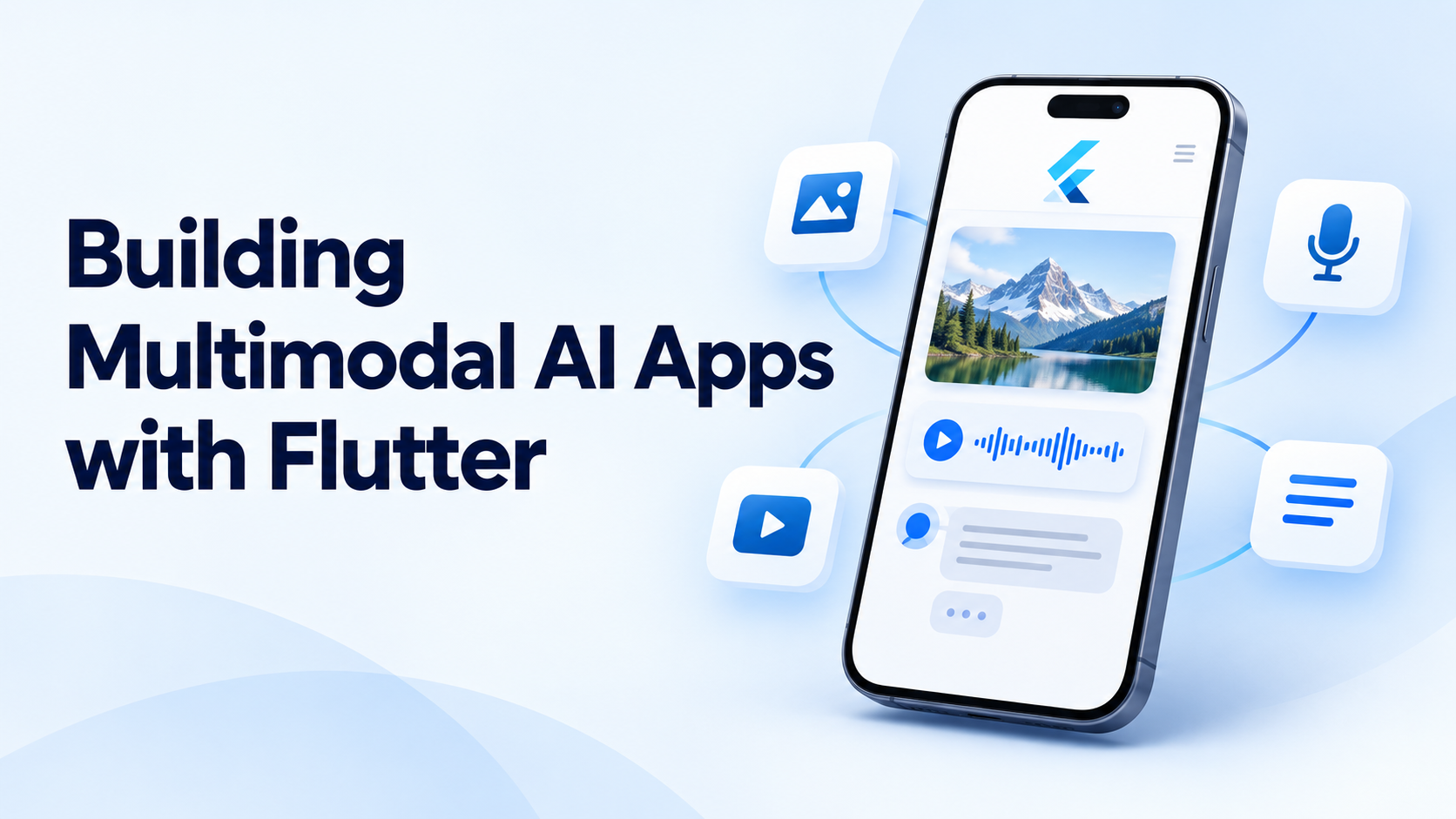
A user photographs a damaged product, adds a voice explanation, and asks an app to prepare a support request. Another uploads a document and asks questions about its charts. These are practical examples of multimodal AI: systems that interpret more than one type of input, such as text, images, audio, or video.
Flutter can provide the interface that captures these inputs and presents the results. The AI model handles interpretation, while the surrounding application manages permissions, uploads, validation, and recovery. Building a useful product requires all of these parts to work together.
What makes an application multimodal?
An application becomes multimodal when its AI workflow uses different forms of information. A photograph paired with a written question is a simple example. A voice conversation that incorporates camera input is a more demanding one.
Google’s Firebase AI Logic documentation states that supported Gemini models can accept text, images, PDFs, video, and audio. Some models also generate non-text output. However, input and output capabilities vary by model, so accepting audio does not automatically mean a model supports live spoken responses. Firebase AI Logic documentation
That distinction should shape product planning. A receipt assistant may need only image input and structured text output. A conversational field-support tool may require continuous audio, visual context, and interruption handling. The second product has substantially different interaction and infrastructure requirements.
Which tools can Flutter developers use?
Firebase AI Logic provides a Dart SDK for Flutter and a managed proxy for accessing supported Google models. It also integrates with Firebase services for abuse protection and runtime configuration. This offers one route to adding multimodal features without building a custom model gateway for every request. Firebase AI Logic overview
Flutter’s official AI resources also highlight the Flutter AI Toolkit, which provides components for chat experiences, streaming responses, and speech-to-text input. These components can accelerate interface development, but a chat widget does not determine whether the underlying model understands images or audio. Those capabilities depend on the connected provider and integration. Flutter’s AI resources
A custom backend is another option, particularly when the application needs multiple providers, private business data, or centralized authorization. A sensible architecture keeps model-specific request code separate from widgets, allowing the interface to remain stable when providers or models change.
How should images and documents be processed?
Image input should begin with a preview. Users need to confirm that the application captured the correct object, document, or screen before sending it for analysis. Cropping and rotation controls can help remove irrelevant material and improve readability.
Gemini supports image-based tasks including captioning, classification, and visual question answering. Its documentation also describes object detection and segmentation capabilities for supported models. These are useful building blocks, but application-specific accuracy still needs evaluation. Gemini image-understanding documentation
For an expense-management app, a practical workflow would extract proposed receipt fields and show them in an editable form. The original image should remain available beside the extracted merchant, date, currency, and total. This makes mistakes easier to notice than presenting a polished summary alone.
Image preprocessing should preserve the detail the task requires. Aggressive compression may be acceptable for identifying a large object but unsuitable for reading small receipt text. Testing should compare extraction quality across realistic lighting, blur, orientation, and document layouts.
How is live audio different from uploading a recording?
Uploading a recording and waiting for a result is a request-based interaction. Live conversation involves continuous input and output, turn-taking, and interruptions. Firebase’s Gemini Live API documentation describes bidirectional streaming for supported real-time experiences and includes Flutter integration guidance. Firebase Live API documentation
The interface needs to communicate whether it is listening, processing, speaking, or disconnected. It should also let users stop capture immediately. If a user interrupts a spoken answer, the app needs to coordinate microphone input, model events, and audio playback rather than allowing overlapping responses.
Direct client connections introduce authentication considerations. Google documents short-lived ephemeral tokens for direct Gemini Live API access: an authenticated backend provisions a restricted token, and the client uses it to establish the connection. These tokens are specifically for Live API access, not a general replacement for credentials across every Gemini endpoint. Gemini ephemeral-token documentation
How can multimodal processing stay responsive?
Large media operations can affect interface responsiveness before a request even reaches the model. Image conversion, compression, and substantial parsing work may consume enough CPU time to interrupt animations or input handling.
Flutter runs Dart application code on its main isolate by default. Its documentation recommends background isolates for computational work that would otherwise cause jank. However, isolates introduce communication overhead and have platform limitations. Flutter web’s compute() runs on the current event loop rather than providing the same background-isolate behavior as native platforms. Flutter concurrency and isolates
The practical approach is to profile preprocessing separately from network and inference time. An asynchronous function does not automatically move CPU-heavy work off the UI isolate.
Video also needs deliberate scope. Gemini supports video questions, summaries, and timestamp references, but teams should test whether the selected processing settings capture the events that matter. An application inspecting a brief equipment failure has different requirements from one summarizing a presentation. Gemini video-understanding documentation
How should applications protect data and validate answers?
Long-lived model-provider secrets should not be embedded in a distributed application. Firebase AI Logic’s proxy keeps the Gemini Developer API key server-side, while App Check helps reduce access from unauthorized clients. The service also provides configurable per-user rate limits. These controls still need to be complemented by application-level authorization for private data and business actions. Firebase security architecture
Generated results need validation too. Structured output can make a response easier to parse into Dart models and display as cards or forms. Google explicitly distinguishes syntactically valid structured output from semantically correct values. A response matching the schema can still contain an incorrect total or unsupported conclusion. Gemini structured-output documentation
For consequential workflows, generated fields should remain reviewable before submission. The application should distinguish “analysis completed” from “information confirmed.”
What should teams measure before launch?
A useful evaluation should include task accuracy, upload failures, response latency, user corrections, and cost per completed task. Results should be broken down by input type, because clear photographs, noisy recordings, and long documents can produce very different outcomes.
Testing should also include denied camera permissions, interrupted uploads, app backgrounding, and unsupported files. A strong multimodal Flutter experience gives users a clear next step when the input cannot be understood, such as retaking a photo, editing extracted fields, or switching to text.
The best starting point is one narrowly defined workflow. A photo-and-text support form or a reviewable receipt extractor provides a manageable way to establish accuracy, responsiveness, and cost before adding continuous audio or video.