



How to connect background AI processing with useful notifications, secure result retrieval, and reliable Flutter navigation.
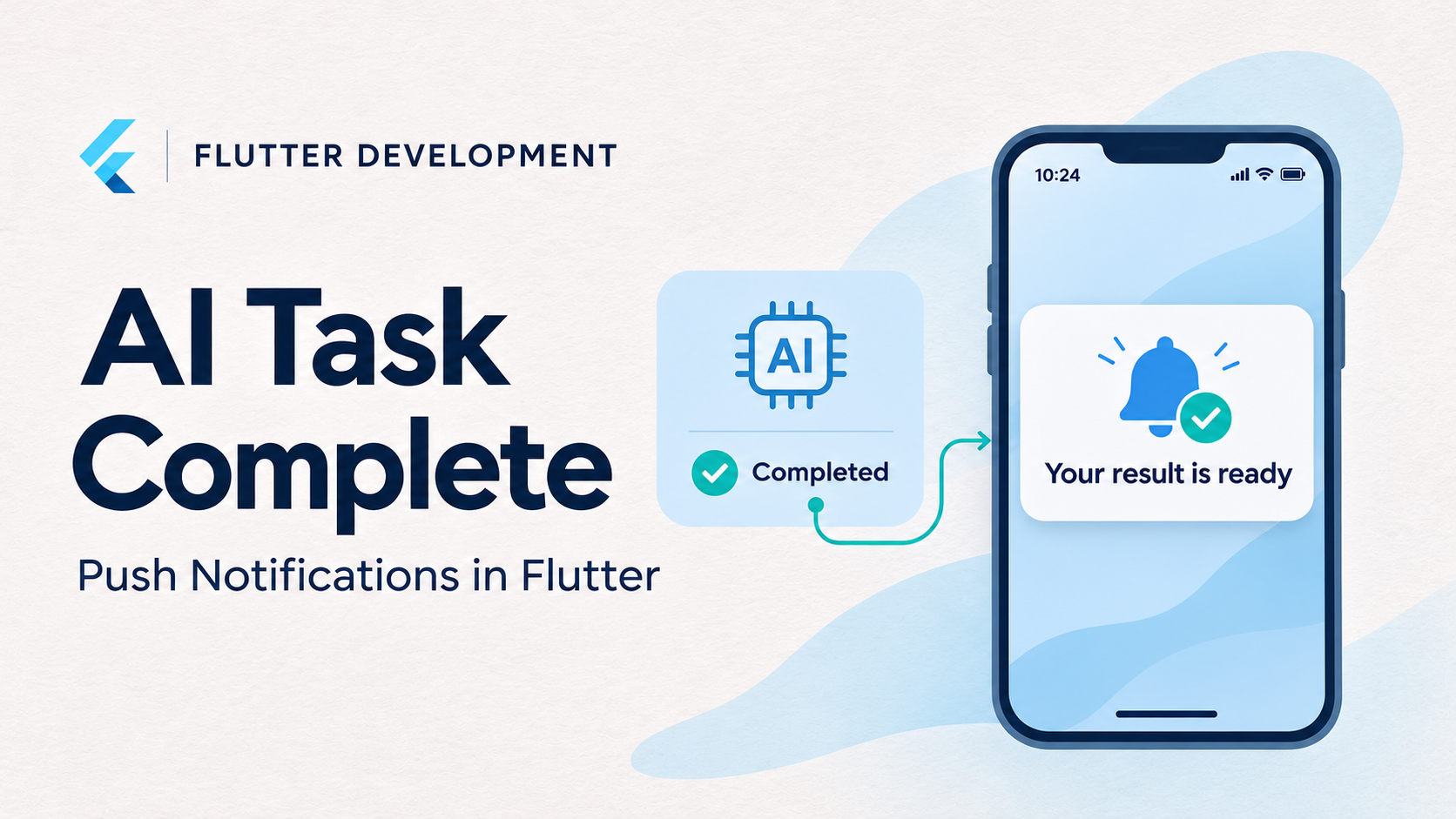
An AI feature does not always finish while the user is watching. Document analysis, image generation, transcription, and multi-step research can continue after someone switches applications or locks their phone.
A loading indicator cannot support that entire experience. The application needs a durable task record, a way to announce completion, and a reliable path back to the result.
Push notifications provide that announcement. However, they should complement the task system rather than become its source of truth. Firebase documents several reasons messages may be delayed or dropped, including expiration, inactive devices, and message collapsing.
For Flutter developers, the central design decision is therefore straightforward: persist the result first, notify second, and retrieve the current task state when the user returns.
Separate AI Execution From Notification Delivery
For a server-hosted AI task, avoid tying processing to the lifetime of a Flutter screen or network connection.
A practical architecture has four responsibilities:
| Component | Responsibility |
|---|---|
| Flutter application | Submit work and display task status |
| Task API and database | Store ownership, state, and result references |
| Worker | Execute the AI workflow and persist its outcome |
| Notification dispatcher | Announce relevant state changes |
The submission endpoint can return 202 Accepted with a task identifier. Flutter then displays a pending task that remains accessible after navigation or restart.
A minimal task record might contain:
{
  "taskId": "task_8f29",
  "status": "completed",
  "revision": 3,
  "resultAvailable": true,
  "completedAt": "2026-11-16T06:45:00Z"
}
Keep task states separate from notification states. A completed task remains completed even if sending its notification fails.
For workflows that require durable notification attempts, consider a transactional outbox: commit the completed task and an outgoing event together, then let a dispatcher process that event. Retries should reuse a stable event identifier.
Send a Result Reference, Not the Result
A notification should tell the user that something is available and identify what to open.
For example, this illustrative FCM HTTP v1 message contains a visible notification and application data:
{
  "message": {
    "token": "<device-registration-token>",
    "notification": {
      "title": "Your task is complete",
      "body": "Open the app to view your result."
    },
    "data": {
      "type": "ai_task_completed",
      "taskId": "task_8f29",
      "eventId": "event_31ad",
      "schemaVersion": "1"
    }
  }
}
Firebase supports notification messages, data messages, and notification messages with an optional data payload. Its documented maximum payload is 4,096 bytes for these message types. firebase.google.com
The application should retrieve the actual result through an authenticated API. Do not place private documents, generated reports, access tokens, or unrestricted download links in notification content.
A task identifier also does not establish permission. The backend must verify that the signed-in user can access the requested task.
Configure Flutter and Native Platforms
Install the Firebase dependencies and configure the application:
flutter pub add firebase_core firebase_messaging
flutterfire configure
Firebase’s Flutter setup covers platform configuration, including uploading an APNs authentication key for Apple delivery. Adding Dart packages alone does not complete the native setup.
Request notification permission at a meaningful moment, such as when a user first chooses to receive task-completion alerts:
final settings =
    await FirebaseMessaging.instance.requestPermission(
  alert: true,
  badge: true,
  sound: true,
);
If permission is denied, keep completed tasks visible inside the application. Permission should affect the alert channel, not whether a user can find their work.
Handle Foreground Messages and Notification Taps
Firebase provides separate Flutter APIs for different interactions:
| Situation | API | Suggested application behavior |
|---|---|---|
| Message arrives while app is open | onMessage | Refresh task state and show an optional banner |
| User taps a notification from the background | onMessageOpenedApp | Open the authorized task |
| Notification launches a terminated app | getInitialMessage() | Queue navigation until startup completes |
Foreground notification messages do not display a visible notification by default in the documented Flutter workflow. Background handlers must be top-level functions; Flutter release builds require the documented entry-point annotation. Background handling cannot manipulate application UI directly. firebase.google.com
A small parser can keep routing decisions explicit:
String? completedTaskId(RemoteMessage message) {
  if (message.data['type'] != 'ai_task_completed') {
    return null;
  }

  final taskId = message.data['taskId'];
  return taskId is String && taskId.isNotEmpty
      ? taskId
      : null;
}
Pass valid identifiers into an application-owned coordinator. That coordinator should wait for authentication and router readiness, fetch the task, and then navigate.
Avoid immediately pushing a route from startup code. The user may need to sign in, may have switched accounts, or may no longer have access.
Reconcile State When Notifications Are Missing
A completion alert is useful, but the user should not need it to discover a result.
Refresh pending and recently completed tasks when the app resumes. A foreground task screen can use a live connection or bounded polling, while an activity screen provides a durable history.
Do not perform the AI workload inside the notification callback. Keep notification handling short and retrieve results through the normal application data layer.
Choose message expiration according to usefulness. Firebase documents that a time-to-live of zero discards a message if it cannot be delivered immediately. It also documents that notification messages are always collapsible, so applications should not expect every individual completion alert to survive while a device is offline. firebase.google.com
For several completed jobs, a grouped message such as “Three results are ready” may serve the user better than multiple alerts. The task list preserves the complete record.
Manage Device Tokens and Duplicate Events
A device token identifies an application installation’s messaging endpoint, not a permanent user identity.
Register tokens through authenticated endpoints, handle token refresh, and remove stale or invalid registrations. Firebase recommends maintaining token freshness and cleaning up registrations that are no longer valid.
On logout or account switching, update the server-side association so future private alerts are not sent using an outdated user mapping.
Deduplicate processing with stable event identifiers. Opening the same task twice should not create duplicate navigation, restart generation, or repeat a charge. Server-side dispatch deduplication and client-side interaction deduplication solve different parts of that problem.
How Five Companies Contribute to This Pattern
The available evidence spans implementation examples and infrastructure capabilities. It does not establish that all five companies operate the exact Flutter AI-completion workflow described above.
Application Engineering and Background Processing
GeekyAnts publishes a Flutter/Firebase application repository. Separately, its PsyFi case study describes AI integration, notifications, and background financial-data processing. These demonstrate related experience, but the PsyFi page does not establish a Flutter implementation or a specific AI-task completion notification pipeline.
Flutter Messaging Infrastructure
Google, through Firebase, documents Flutter notification setup, receiving messages, and notification interaction handling. These provide the client and delivery building blocks for a completion-alert workflow; application teams still implement task persistence and authorization.
Flutter Notification Integration
OneSignal provides an official Flutter SDK and setup guidance. Its documentation gives teams an alternative notification integration layer. The application backend remains responsible for deciding when a task is complete and who should receive the alert.
AI Job State Events
Amazon Web Services documents EventBridge notifications for supported Amazon Bedrock model-customization and batch-inference job state changes. AWS notes that these events are emitted on a best-effort basis. This is relevant to backend orchestration, rather than evidence of a Flutter application implementation.
Backend-to-Mobile Push Delivery
Microsoft provides Azure Notification Hubs for sending push notifications from backends to mobile devices. It supplies another delivery option, while AI execution and Flutter result handling remain application responsibilities.
Test Completion as an End-to-End Experience
Verification should cover foreground use, background taps, cold starts, denied permission, offline devices, expired messages, token changes, and account switching.
Also test a failed notification after successful task completion. The result should remain available through normal navigation.
Measure task completion, notification-provider acceptance, notification opens, and successful result retrieval separately. Provider acceptance does not establish that the user saw the notification.
A dependable Flutter experience lets users leave while work continues, return through an alert or the task list, and retrieve the same authorized result.