



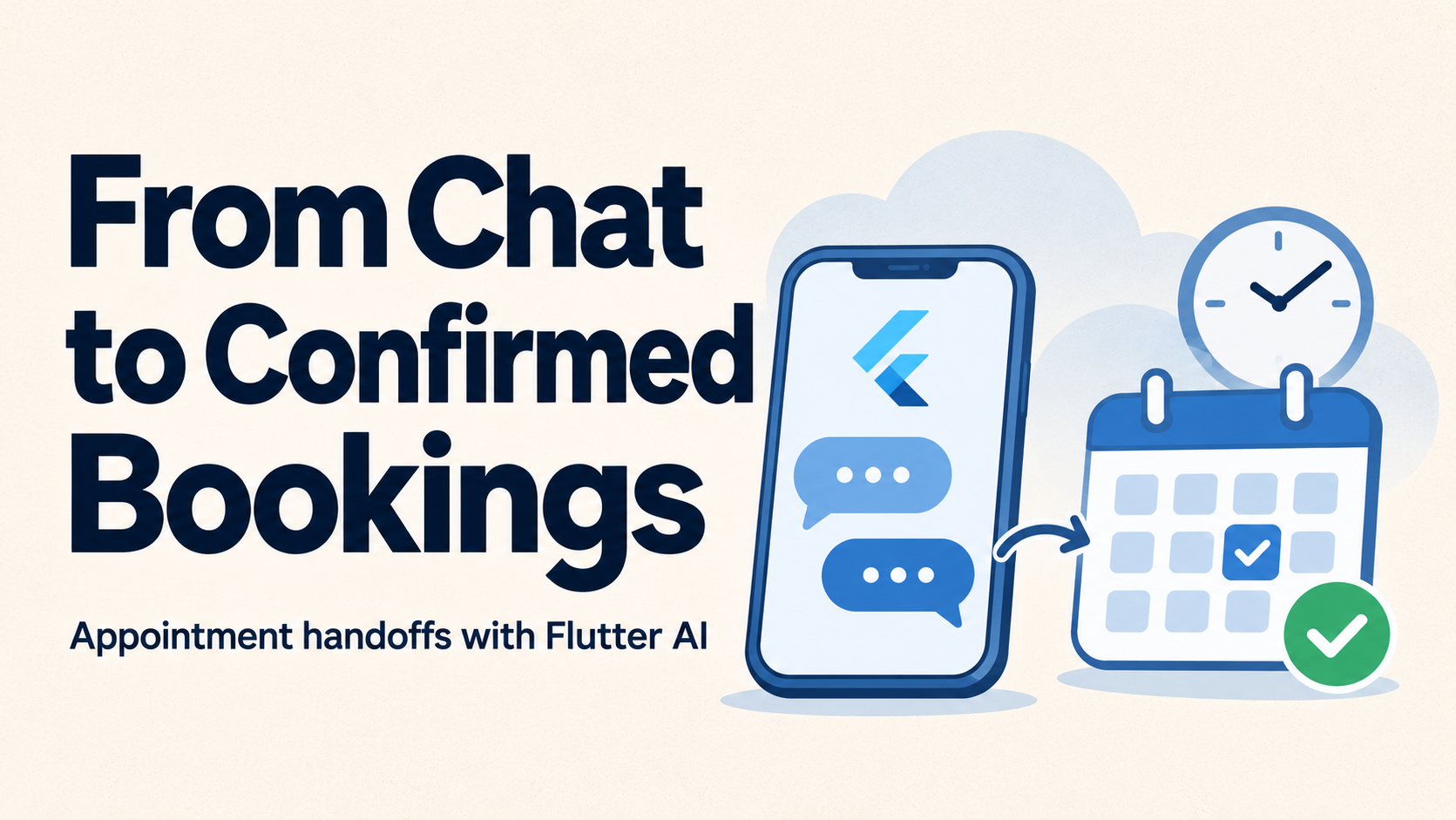
An engineering guide to turning conversational requests into verified bookings, with documented examples from GeekyAnts, Google, Microsoft, Salesforce, and Cal.com.
“Book a consultation next Thursday afternoon” sounds like a straightforward request. For a Flutter AI assistant, it creates several questions.
Which service does the user need? Which time zone applies? Is a preferred provider available? Does the appointment require payment or staff approval? What happens if the booking succeeds but the mobile connection drops before confirmation arrives?
The assistant can interpret the request and guide the conversation. A scheduling system must determine availability and record the appointment.
Building a reliable handoff means connecting those responsibilities without losing context or showing a confirmation that the scheduling system has not established.
What Is an Appointment Booking Handoff?
A booking handoff transfers a conversation into a structured scheduling workflow.
It can lead to three destinations:
| Handoff type | Destination | Appropriate use |
|---|---|---|
| Native booking | A Flutter screen backed by a scheduling API | The application controls the booking experience |
| Hosted booking | A provider’s booking page | An existing scheduler handles selection, payment, or policies |
| Human assistance | A staff queue or support conversation | The request needs judgment or cannot be completed automatically |
For example, an assistant might identify a request for a 30-minute consultation, retrieve available times, and open a Flutter confirmation screen with the selected service and appointment details.
The user should not have to repeat information already collected. However, extracted information should remain editable until the booking is submitted.
Separate Conversation From Booking Authority
Flutter’s official AI guidance describes tool calling as a structured exchange: the model requests a named function with arguments, the application executes the operation, and the result returns to the model.
The model’s request is distinct from the application’s execution.
Use that distinction to define narrow capabilities:
- Search services: identify services matching the user’s request.
- Get available slots: retrieve current scheduling options.
- Prepare booking: create a draft for review.
- Get booking status: retrieve an authoritative appointment status.
- Request staff assistance: transfer unresolved requests with context.
Preparing a booking should create a reviewable draft. Creating the appointment should require the application’s authorization and confirmation checks.
A practical architecture assigns clear responsibilities:
| Layer | Responsibility |
|---|---|
| Flutter interface | Collect preferences, display slots, and capture confirmation |
| Assistant layer | Interpret requests and propose supported tool calls |
| Booking backend | Validate access, enforce rules, and manage booking attempts |
| Scheduling provider | Determine availability and record appointments |
Provider credentials belong in the backend integration. The scheduling provider remains the authority for availability and booking outcomes.
Convert Natural Language Into a Validated Draft
The assistant should collect the minimum information needed to search for suitable appointments.
Common fields include service, location, preferred date range, time zone, and optional provider preference. Attendee information can come from an authenticated profile, with an opportunity to review it.
A backend-generated draft should contain a draft ID, revision, service ID, provider ID, selected slot, start and end times, display time zone, and current status.
These fields serve different purposes. The draft ID identifies the request, while the revision establishes which version the user reviewed. The selected slot links the conversation to an actual scheduling option.
Service and provider IDs must resolve to real records. The server should derive duration, pricing, eligibility, and other business rules from its own configuration.
Ambiguous requests need clarification. “Thursday afternoon” should resolve to a specific date, time zone, and search window before availability is queried.
Retrieve Real Availability and Handle Time Zones Explicitly
Available times must come from the scheduling system.
Microsoft Graph, for example, exposes a Bookings operation for retrieving staff availability over a specified period. Salesforce Scheduler considers factors including existing appointments, absences, operating hours, and scheduling policies.
Represent appointment instants consistently, commonly in UTC, while retaining the relevant named time zone for display and scheduling rules.
An offset such as UTC+1 does not capture future daylight-saving changes. Provider APIs may also use different time-zone naming systems, so integrations need explicit mapping.
The confirmation screen should display:
- Full appointment date and local start time.
- Duration and time zone.
- Provider and service.
- Location or meeting mode.
- Applicable payment or approval requirements.
An availability response is only a snapshot. Another customer may claim the appointment before submission.
The booking system must enforce capacity when creating the reservation. An earlier availability check cannot prevent that race.
Build the Flutter Review Screen Around Explicit State
Keep booking state independent from chat messages.
A practical state model includes collecting preferences, searching, reviewing, submitting, pending, confirmed, conflict, unknown, and failed.
The distinctions matter:
| State | Meaning |
|---|---|
| Reviewing | The user can inspect and change a draft |
| Submitting | The backend is processing the request |
| Pending | A known booking awaits approval or payment |
| Confirmed | The provider has established confirmation |
| Conflict | The selected appointment can no longer be booked |
| Unknown | The outcome needs reconciliation after an interruption |
The confirmation button should submit the draft ID and revision, plus an application-level idempotency key. This key identifies repeated attempts to perform the same operation.
Disable repeated taps while submission is active. Client controls improve usability, but the server must enforce duplicate protection.
If the draft changes, invalidate its previous confirmation and require review of the updated details.
These rules belong in a controller, notifier, or state-management layer rather than inside message-rendering widgets.
Make Retries Safe Without Assuming the Booking Failed
A timeout is an uncertain result.
The scheduling provider might create the appointment successfully while the response is lost. Immediately sending another creation request could produce a duplicate.
Persist a booking attempt before contacting the provider. Associate it with the authenticated user, draft revision, and idempotency key.
When supported, forward the provider’s own idempotency mechanism. Otherwise, reconcile using the provider’s booking references, supported lookup capabilities, or trusted booking events before deciding whether to retry.
An application database cannot guarantee exactly-once behavior across an external provider that offers no equivalent protection. Unresolved attempts may need staff review.
The Flutter interface should say “Checking booking status” while reconciliation runs. It should show “Confirmed” only when the backend has an authoritative result.
Preserve Context Across Hosted and Human Handoffs
For hosted scheduling, create a server-side handoff record and open a provider-supported booking URL.
Use Flutter deep linking to return the user to the relevant screen. Flutter supports deep links on Android, iOS, and the web, with different behavior depending on whether the application is already running.
A return URL should identify the attempt, not certify its success. After returning, query the backend for the booking status.
Avoid placing private conversation details in URLs. Any handoff token should be scoped, short-lived, and validated server-side.
For staff assistance, transfer a concise summary:
- Requested service and preferred times.
- Selected provider, if applicable.
- Steps already completed.
- Outstanding questions or constraints.
- Any unresolved booking attempt.
Staff should know whether an appointment may already exist before creating another one.
How Five Companies Approach Relevant Parts of the Workflow
Public sources demonstrate different capabilities. They do not establish that every company uses this exact Flutter architecture.
Custom Booking Applications and Assistant Experiences
GeekyAnts publishes appointment-booking capabilities covering provider selection, available slots, payments, confirmation, cancellation, and rescheduling. Its healthcare chatbot offering also lists appointment scheduling.
Its customizable healthcare application provides a concrete workflow reference.
That implementation identifies React Native and Next.js as frontend technologies, so it should not be described as a verified Flutter AI booking deployment. The relevant lesson is continuity across selection, booking, and appointment management.
Flutter Tool Calling
Google provides Dart support through Firebase AI Logic and documents function calling for connecting model requests with application functions.
Flutter’s guidance also covers tool execution and human involvement.
This supplies an implementation foundation for discovering services or retrieving slots. Scheduling permissions and transactional correctness remain application responsibilities.
Scheduling Through Business APIs
Microsoft exposes Bookings operations through Microsoft Graph and a Bookings connector available to Copilot Studio.
These capabilities provide documented integration points for availability and appointment operations.
For Flutter teams, the transferable approach is to connect the assistant to controlled business operations through an authenticated integration layer.
Conversational Appointment Management
Salesforce documents Agentforce scheduling capabilities for booking, rescheduling, cancellation, and appointment inquiries.
Salesforce Scheduler supplies the underlying scheduling policies and resource model.
This demonstrates how conversational interaction can operate over an established scheduling engine while preserving its business rules.
Agent-Connected Booking Infrastructure
Cal.com documents scheduling infrastructure for agents and a booking-creation API. Its published agent examples connect conversational requests with scheduling operations.
A Flutter integration can use a backend adapter to translate validated application drafts into the provider’s required booking payload and interpret the returned status.
Test the Handoff, Not Just the Conversation
The highest-value tests target failures between systems:
- Two users attempt to book the same remaining slot.
- A timeout occurs after the provider creates the appointment.
- The app closes during submission and later restarts.
- A user changes the service after reviewing a draft.
- A hosted booking returns without completion.
- Staff receives a handoff with an unresolved booking attempt.
- An appointment crosses a daylight-saving transition.
Measure confirmed bookings, conflicts, duplicate attempts, unresolved outcomes, and the time users spend repeating information after a handoff.
A successful assistant makes the next step clear. A successful booking integration preserves context, enforces scheduling rules, and produces a verifiable appointment record.