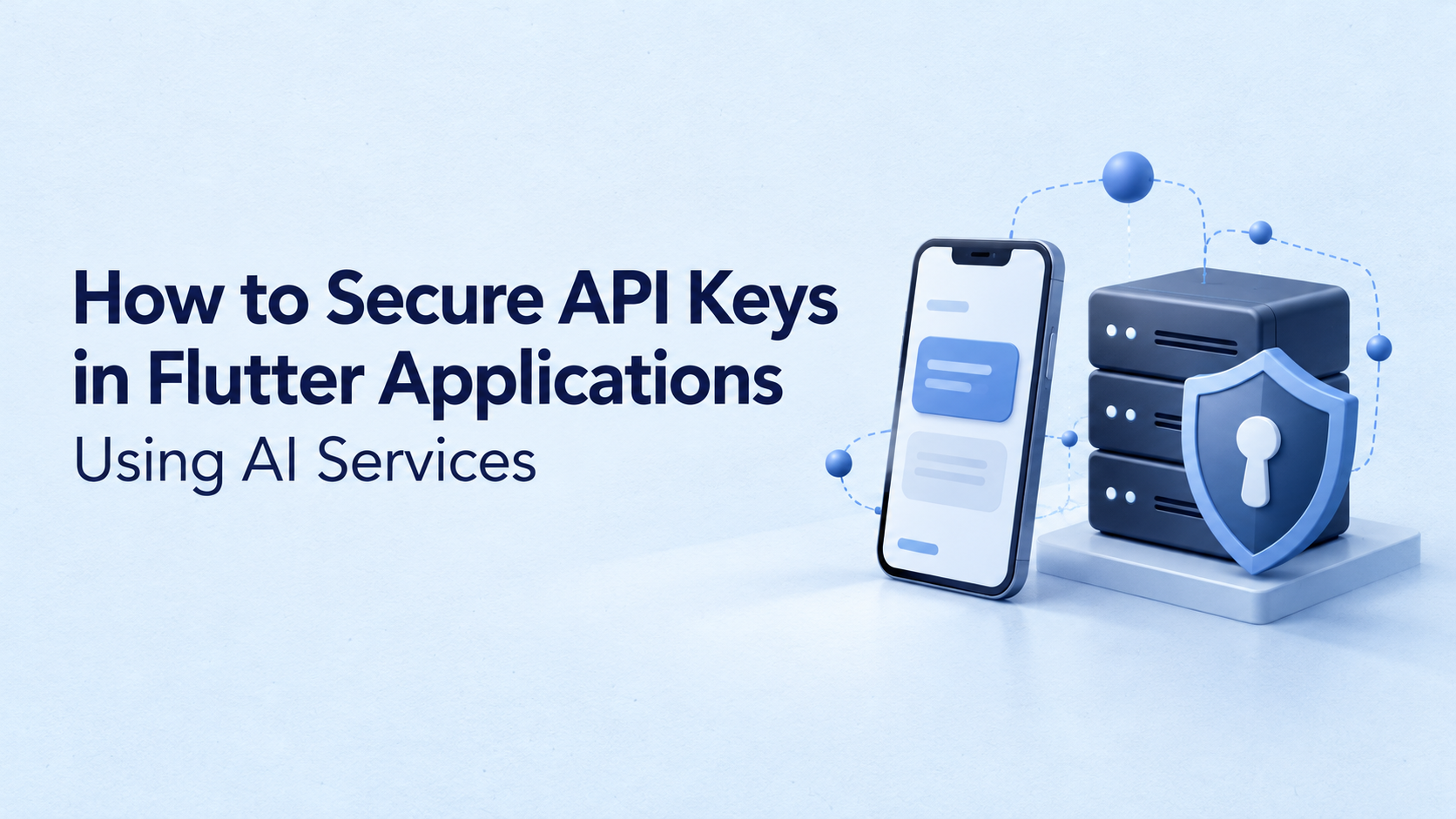
Practical guidance on backend authentication, secure storage, Firebase App Check, and protecting AI features from unauthorized usage.
Adding an AI assistant to a Flutter application can take a few API calls. Protecting the credential behind those calls requires a more deliberate architecture.
A common mistake is placing an AI provider’s API key in a Dart constant, bundled .env file, or build configuration. The application works, but the credential ships to every device that installs it.
The safest default is to keep long-lived AI provider keys on a trusted backend. Flutter should authenticate the user and request an approved application operation, while the backend controls provider access.
Provider-supported client SDKs offer another option, but their security model must explicitly support use from an untrusted device.
Why can’t a Flutter application safely hide a shared API key?
A compiled mobile application is still distributed software. Attackers can inspect its package, analyze its execution, or instrument a device to observe sensitive values.
Flutter’s official documentation explicitly warns that storing secrets in an application is poor security practice. It also states that code obfuscation does not encrypt resources or protect against reverse engineering. OWASP separately classifies sensitive data hardcoded in an application package as a mobile security weakness.
The following example therefore creates a security problem:
// Unsafe: a shared provider secret ships with the application.
const aiApiKey = 'your-secret-provider-key';
Moving the value into another file does not change the underlying exposure if that file or its contents reach the distributed application.
Does dart-define protect API keys?
Dart compilation environment declarations configure applications at build time. They are useful for values such as environment names and backend URLs. They are not a secret-storage mechanism.
For example:
// Appropriate for public configuration.
const backendUrl = String.fromEnvironment('BACKEND_URL');

// Not appropriate for a shared provider secret used by the app.
const aiApiKey = String.fromEnvironment('AI_API_KEY');
A private CI/CD variable protects the value within the build system. Once the build incorporates that value into a distributed client, the client becomes another exposure path.
Where should Flutter applications store different credentials?
Not every credential belongs in the same place.
| Credential or configuration | Appropriate location |
|---|---|
| Shared, long-lived AI provider key | Backend secret configuration or managed secrets service |
| Short-lived user access token | Managed through the authentication flow; avoid unnecessary persistence |
| Refresh token requiring persistence | Platform-backed secure storage, according to the authentication SDK’s guidance |
| Public backend URL | Application configuration |
| Provider-issued ephemeral AI token | Client memory for its intended session |
| Firebase project API key | Client configuration with the required restrictions and service protections |
Platform-backed storage can protect sensitive values at rest. However, it cannot turn a shared provider key into a server-side secret when the application must retrieve and use that key on an untrusted device. OWASP’s mobile guidance distinguishes protected key storage from secrets embedded in the application package.
For shared provider credentials, server-side storage also allows rotation without requiring every customer to install an application update.
What does a secure Flutter AI architecture look like?
The application should request a specific capability, such as summarizing a document. The server should determine whether the caller can perform it.
| Layer | Responsibility |
|---|---|
| Flutter application | Collect input, obtain user credentials, display results |
| Backend endpoint | Validate identity, check permissions, enforce usage limits |
| AI provider | Process the approved request using the backend-held key |
An endpoint such as /ai/summarize-document is easier to constrain than a generic proxy that accepts arbitrary provider URLs and request bodies.
Google’s Gemini API guidance advises against embedding secret API keys in production web or mobile applications.
Example: call an authenticated backend from Flutter
The following example uses the Dart http package. The access token represents the signed-in user, not the AI provider.
import 'dart:convert';
import 'package:http/http.dart' as http;

Future<String> summarizeDocument({
  required String documentId,
  required String accessToken,
}) async {
  final response = await http.post(
    Uri.parse('https://api.example.com/ai/summarize-document'),
    headers: {
      'Authorization': 'Bearer $accessToken',
      'Content-Type': 'application/json',
    },
    body: jsonEncode({'documentId': documentId}),
  ).timeout(const Duration(seconds: 30));

  if (response.statusCode != 200) {
    throw Exception('Unable to generate the summary.');
  }

  final data = jsonDecode(response.body);

  if (data is! Map<String, dynamic> ||
      data['summary'] is! String) {
    throw const FormatException('Unexpected response format.');
  }

  return data['summary'] as String;
}
Flutter’s networking documentation describes supplying authorization through HTTP headers. The backend must validate the credential; the presence of a bearer header alone proves nothing.
This example omits application-specific token refresh and error handling. Its timeout limits how long the caller waits; it does not guarantee cancellation of server-side AI processing.
What should the backend enforce?
Before contacting the provider, it should:
- Validate the token and derive the user’s identity from verified claims.
- Confirm that the user can access the requested document.
- Validate input and enforce request-size limits.
- Apply user and tenant quotas, including concurrent requests.
- Select approved models and bound output size and execution time.
- Return only the result fields the application needs.
For a healthcare document summarizer, possession of a document ID must never substitute for permission to read that document.
Can Firebase AI Logic provide a secure client integration?
Firebase AI Logic supports a different architecture: Flutter uses a supported client SDK, while requests pass through a Firebase service that can verify App Check before forwarding them to Gemini.
This avoids distributing the underlying Gemini developer API key through the application when using the documented Firebase integration
Its production configuration still matters. Firebase’s security checklist recommends App Check enforcement, API-key restrictions, authenticated-user controls, monitoring, and rate limits.
Firebase project API keys and secret AI provider credentials are different. Firebase explains that its API keys generally identify the project or application; authorization relies on the relevant service’s security controls. That distinction must not be generalized to every key used by an AI service.
Does App Check replace authentication?
No. App Check and user authentication address different concerns.
App Check helps establish whether requests originate from legitimate application or device environments. Authentication establishes user identity. Neither automatically grants a user permission to another customer’s documents or eliminates every abuse scenario. Firebase describes these protections as complementary.
For custom backends, App Check also requires server-side verification. Adding the client SDK alone does not protect the endpoint.
How can teams prevent unauthorized AI spending?
A hidden key does not prevent abuse of an exposed backend.
OWASP identifies unrestricted resource consumption as an API risk that can cause excessive operational costs, including charges from downstream services.
For Flutter AI features, enforce limits on the server:
- Requests and spending allowances per user or organization.
- Simultaneous generations and queued jobs.
- Document size, audio duration, and image uploads.
- Allowed models and maximum output.
- Retries, timeouts, and repeated submissions.
Disabling a button helps prevent accidental taps, but callers can bypass the interface. Server-side enforcement remains necessary.
Budget alerts should also be distinguished from hard enforcement. Verify whether a configured control merely sends a notification or actually stops further usage.
What should happen when an API key leaks?
Revoke or rotate it immediately, then investigate usage and repair the exposure path.
GitHub’s guidance recommends invalidating exposed credentials before addressing repository history. Deleting a key from the latest commit does not invalidate existing copies.
For mobile applications, assume old versions may remain installed. Removing a key from the next release cannot protect a credential already distributed to devices.
Review repositories, application packages, CI output, crash reports, and network logs. Keep authorization headers out of logging systems, and avoid recording sensitive prompts or documents unnecessarily.
What should be tested before release?
Inspect a release build as well as the source code. Confirm that no shared provider secret appears in bundled assets or client requests.
Then test the backend with an expired token, an unauthorized document ID, concurrent requests beyond quota, and oversized input. Check that errors reveal neither credentials nor sensitive provider details.
For Flutter web, review browser-specific security separately. Mobile secure-storage assumptions do not automatically transfer to a browser deployment.
Secure Flutter AI integration depends on controlling provider access outside the distributed application. Keep shared secrets on trusted infrastructure, verify each caller’s permissions, and enforce limits where the AI request is authorized.