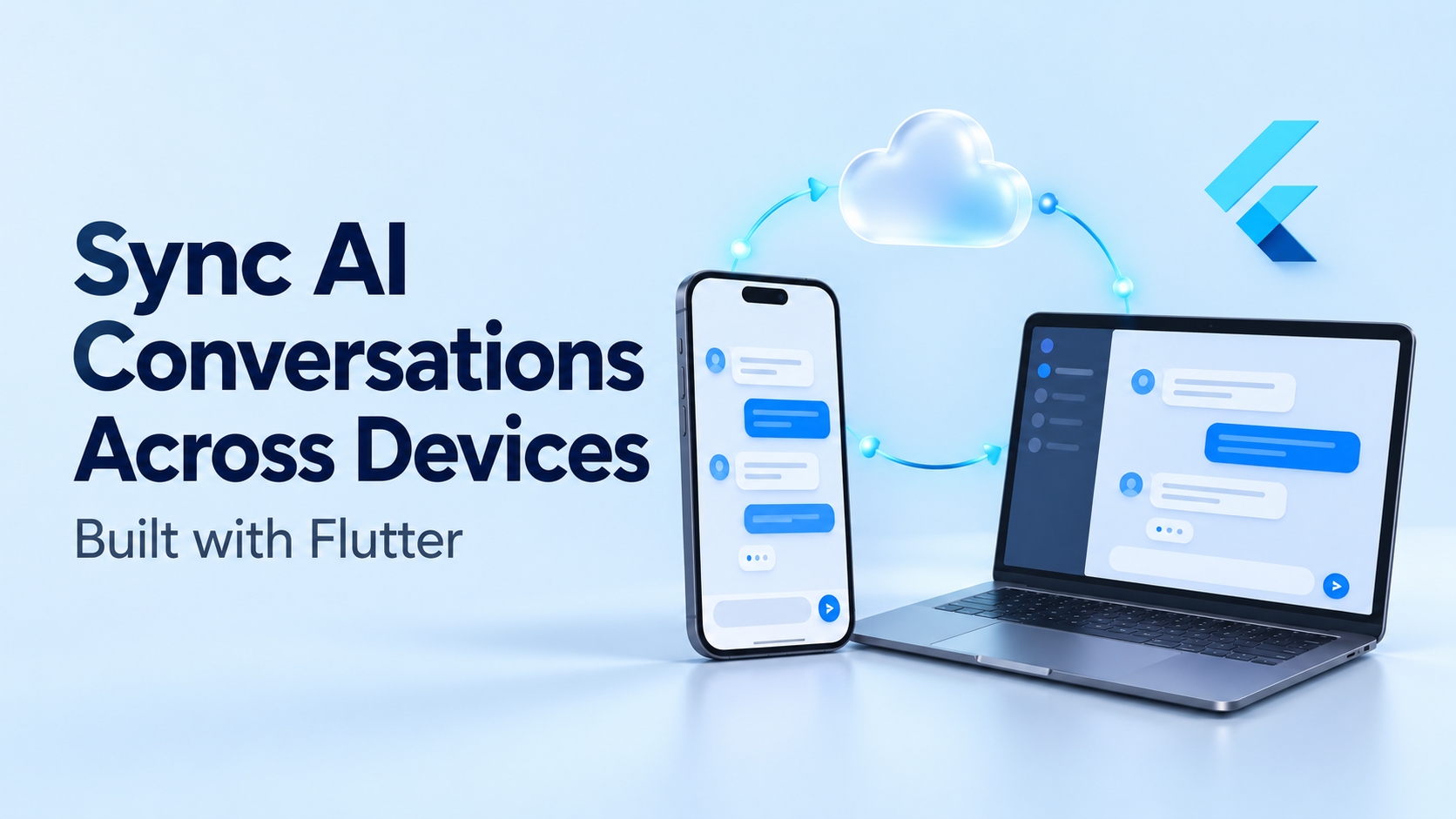
A user starts an AI conversation on a phone, opens the same account on a laptop, and expects to continue where they stopped.
That expectation involves more than displaying the same messages. The second device needs to understand whether a response is still generating, which attachments belong to the conversation, and whether an offline message has reached the server.
If synchronization is incomplete, the application can display duplicate messages, generate two answers to one prompt, or give the model an outdated conversation history.
Reliable synchronization requires a shared backend, durable local storage, explicit message states, and a clear policy for concurrent updates. Flutter provides the interface and application architecture; the backend coordinates what every device agrees has happened.
What needs to synchronize in an AI conversation?
A chat transcript is only one part of the application’s state.
| Data | Example | Synchronization approach |
|---|---|---|
| Conversation metadata | Title, owner, membership | Persist with versioned updates |
| Messages | User prompts and assistant responses | Store as individually identified records |
| Generation state | Queued, running, completed, failed | Maintain on the backend |
| Attachments | Document references and processing status | Synchronize metadata and authorized access |
| Read position | Last message viewed | Store separately from message content |
| Drafts | Unsent text | Keep device-local unless shared drafts are required |
| AI context | Summary, selected branch, model configuration | Version and associate with generation |
This separation prevents unrelated updates from overwriting each other.
For example, marking a conversation as read should not rewrite its message history. Likewise, updating its title should not interfere with an assistant response that is still streaming.
What architecture should a Flutter app use?
A practical design separates four responsibilities:
- Presentation: Flutter widgets display messages, pending states, and errors.
- Repository: Coordinates local reads, remote updates, and reconciliation.
- Local database: Stores available history and pending operations.
- Backend: Enforces access, orders accepted messages, and runs AI generation.
Flutter’s official offline-first guidance recommends repositories as the single access point for local and remote data. It also describes using streams to expose cached data followed by updated remote information.
Within this architecture, the repository is the application’s access boundary. The server remains authoritative for shared, accepted conversation state.
A simplified application-defined contract might look like this:
abstract interface class ConversationRepository {
  Stream<List<ChatMessage>> watchMessages(String conversationId);

  Future<void> enqueueMessage({
    required String conversationId,
    required String clientMessageId,
    required String text,
  });

  Future<void> synchronize(String conversationId);
}
This is an architectural interface, not a complete synchronization implementation.
Widgets can observe watchMessages() without knowing whether an update came from the local database, a server response, or a reconnection.
How should messages be identified and ordered?
Each message needs a stable identifier created before the first send attempt.
If the connection drops after the server accepts a message but before the phone receives confirmation, retrying should reuse that identifier. Generating a new ID on every attempt makes the same user action look like several messages.
An illustrative record could contain:
{
  "id": "client-generated-unique-id",
  "conversationId": "conversation-123",
  "role": "user",
  "text": "Summarize the attached document.",
  "clientCreatedAt": "2026-10-29T09:00:00Z",
  "serverSequence": 104,
  "status": "accepted",
  "revision": 1
}
The server must derive the authenticated author and validate the role. Clients should not be able to create trusted assistant or system messages simply by submitting a role field.
For shared ordering, a server-assigned sequence is more dependable than device timestamps. Two devices can have different clocks.
Pending messages can appear immediately in a clearly marked local position. Once accepted, the interface reconciles them with the server’s ordering.
How should offline sending and retries work?
A durable outbox records work that still needs to reach the backend.
When the user sends a message, the application should atomically:
- Save the message locally with a pending state.
- Save an outbox operation containing its stable identifier.
The synchronization worker submits that operation when communication is available.
On the server, enforce a uniqueness constraint such as (conversation_id, client_message_id). A repeated request should return the original accepted result rather than create another message.
Use bounded retries with backoff for temporary failures. Permission errors, deleted conversations, and invalid attachments require a different response from a brief network interruption.
A network indicator can help trigger another attempt, but a Wi-Fi connection does not prove that the application API is reachable. The request result determines success.
For AI generation, accepting the prompt and scheduling the job should also be coordinated durably, for example through a transactional outbox. Otherwise, the server could save the message and crash before scheduling its response.
How should streamed AI responses synchronize?
The backend should own generation. Opening the same conversation on another device should subscribe to existing work, not start the model again.
Use a separate generation record:
{
  "generationId": "generation-456",
  "conversationId": "conversation-123",
  "triggerMessageId": "client-generated-unique-id",
  "assistantMessageId": "assistant-789",
  "status": "running",
  "inputRevision": 28,
  "lastEventSequence": 42
}
Both devices observe the same generation and assistant message.
Keep streaming events and saved messages distinct
Streaming events support responsive rendering. Persisted messages support recovery.
A useful design streams partial output through WebSockets or server-sent events while periodically saving checkpoints. When generation finishes, the backend saves the final response and terminal status.
Writing every token as a separate database update can create unnecessary traffic and storage operations. The appropriate checkpoint frequency depends on response length, latency requirements, and recovery needs.
Recover explicitly after reconnection
A reconnecting device should fetch the current response snapshot and generation state.
If the backend supports durable event replay, the client can resume after its last event sequence. Without replay, it should replace its partial text with the current snapshot rather than blindly append content.
A response interrupted by a provider failure should remain marked as interrupted or failed. Partial output should not silently become a completed answer.
What happens when two devices send messages together?
The application needs a conversation policy, not just a transport.
Possible policies include:
| Policy | Behaviour | Trade-off |
|---|---|---|
| Serialize turns | Queue prompts and generate responses in order | Predictable context, potentially longer waits |
| Allow branches | Associate each prompt with a parent message | Supports parallel exploration, more complex UI |
| Reject stale submissions | Require the expected conversation revision | Prevents ambiguity, requires user recovery |
For a conventional assistant, serializing generation per conversation is often the simplest starting point.
The backend should record which messages and configuration a generation consumed. A model call should not build its history from whichever messages happened to be cached on the initiating device.
Regenerating an answer should create a new generation identity. Retrying a failed network request should preserve the existing identity. Those are different user actions.
Why is last-write-wins insufficient for chat history?
Last-write-wins can be reasonable for a conversation title. It is risky for an entire transcript stored as one mutable object.
Cloud Firestore documents that offline changes synchronize when connectivity returns and that multiple changes to the same document use last-write-wins behaviour. Its offline persistence support also varies by platform.
Storing messages separately reduces the risk of one device overwriting another device’s additions. Edits still need a policy, such as revision checks or explicit edit history.
Deletion needs similar care. A deletion marker, or tombstone, helps prevent an old device from restoring removed content during synchronization. If old change records expire, clients that fall behind the retention window must perform a full reconciliation.
Real-time events alone are not a complete recovery mechanism. The backend must provide a way to retrieve missed state.
How should authentication and privacy work across devices?
Every device should authenticate as the same account, but each request still needs authorization.
The server should verify conversation membership for message access, generation requests, attachment downloads, and subscriptions. A difficult-to-guess conversation ID is not an access policy.
Keep model-provider secrets on the backend. Separate local data by account, stop subscriptions on logout, and clear or lock cached conversations according to the product’s privacy requirements.
Supabase distinguishes authorization for Realtime Broadcast and Presence from ordinary application data access. Its private-channel controls use policies on realtime.messages; application tables still require their own access policies.
Conversation access should also govern AI retrieval. A synchronized transcript must not give the model access to documents the user is no longer authorized to read.
How are five companies approaching relevant parts of this problem?
Published sources reveal useful patterns, but not every company documents a complete cross-device Flutter AI chat implementation. The following examples distinguish application work from synchronization infrastructure.
GeekyAnts: Preserving context across connected AI workflows
GeekyAnts describes AntFabric as connecting conversations, meetings, tasks, organizational knowledge, and AI assistance. Its published explanation emphasizes retaining context as work moves between those activities.
That is relevant to conversation continuity, particularly when an assistant needs information beyond the visible chat transcript. However, the source does not disclose AntFabric’s Flutter client architecture, message-ordering algorithm, or offline conflict policy.
Those details should be requested during a technical evaluation rather than inferred from the product description.
Google Firebase: Cached data and automatic synchronization
Firestore provides local caching and synchronization of pending writes when supported clients reconnect.
For a Flutter conversation application, it supplies useful persistence and listener behaviour. Developers still need to design message identities, security rules, generation ownership, and conflicts between concurrent actions.
Its cache contains data the app has used; it should not be mistaken for a guaranteed offline copy of every historical conversation.
Supabase: Postgres data with Flutter streams
Supabase’s Dart stream() combines an initial database result with subsequent real-time changes. Its documentation also notes that Realtime must be enabled for new tables.
This supports live conversation views. It does not, by itself, constitute a durable offline outbox or a complete conflict-resolution system. Applications requiring offline sending need additional persistence and reconciliation logic.
AWS: Local and cloud reconciliation through DataStore
AWS’s Amplify Gen 1 Flutter documentation describes DataStore synchronizing locally stored data with an AppSync backend. It also covers selective synchronization and clearing local data when users change.
The relevant pattern is a local persistence layer that reconciles with authorized cloud records. Teams evaluating it should verify the current generation, SDK, and platform support for their project rather than assume every Amplify offering uses this architecture.
Stream: Messaging-specific offline persistence
Stream’s Flutter Chat SDK documents local persistence using SQLite through Drift. Its offline support records pending messaging actions and retries them after reconnection.
This provides messaging-specific infrastructure for history and pending operations. AI generation remains a separate application concern: the backend must still coordinate model calls, response state, and context selection.
What should a cross-device test plan cover?
Test transitions that a single-device demo will miss:
- A prompt is accepted, but the acknowledgement never reaches the phone.
- Two devices submit different prompts simultaneously.
- A laptop joins while an assistant response is streaming.
- The mobile application is terminated with pending outbox operations.
- A device reconnects after a conversation has been deleted.
- Permissions change while a subscription is active.
- A user signs out and another account signs in on the same device.
Background execution should be treated as opportunistic. Flutter’s guidance notes that device restrictions and battery considerations affect background synchronization. Reconcile on launch and resume rather than relying on a continuously running timer.
Useful measurements include duplicate-message frequency, time to convergence after reconnection, outbox age, generation recovery success, and unauthorized-access test results.
What makes cross-device AI chat dependable?
A dependable implementation separates three concerns: storing the conversation, synchronizing changes, and generating an answer.
The local database makes the interface responsive. Stable identifiers make retries safe. The backend coordinates accepted history and generation. Reconciliation repairs gaps that live events miss.
When those responsibilities are explicit, users can move between devices without wondering whether their message was sent, whether the answer is complete, or whether the assistant remembers the same conversation.