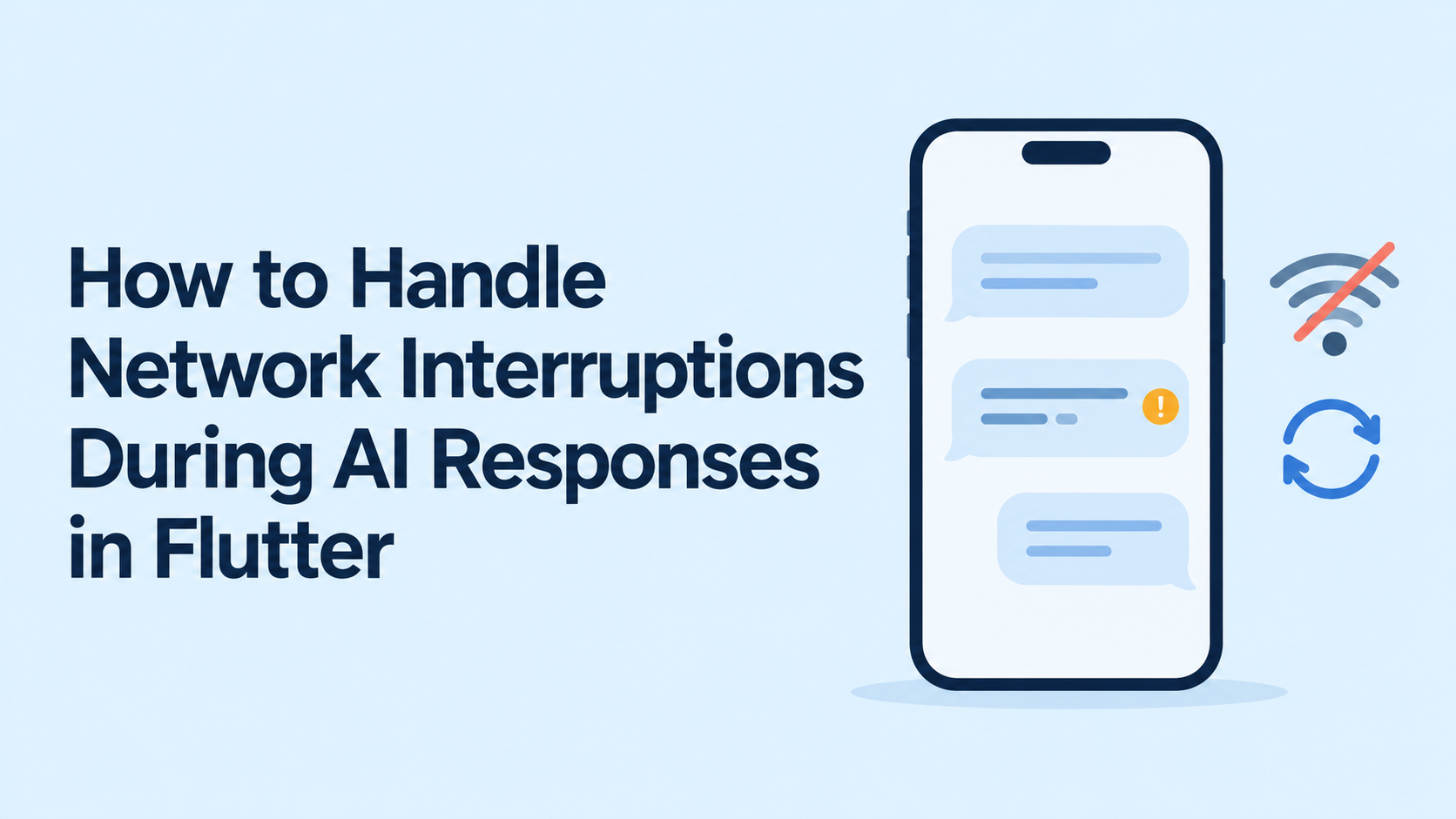
A user asks an AI assistant a question. The answer begins appearing, then stops halfway through when the phone switches from Wi-Fi to mobile data.
The connection eventually returns, but the application now faces several questions: Did the server finish generating the answer? Should the request restart? Can the missing text be recovered? Could another attempt repeat an action the assistant already performed?
Handling network interruptions during AI responses in Flutter requires more than catching an exception. It requires preserving conversation state, distinguishing recoverable failures, and coordinating recovery with the backend.
Flutter’s networking and persistence tools provide the building blocks. Published guidance from GeekyAnts, Google, AWS, and Microsoft offers useful architectural patterns. Their documentation supports the techniques discussed below, although it does not establish that every company operates the same Flutter AI recovery implementation.
Why AI Response Streaming Makes Recovery More Complicated
In a conventional request, an application usually receives a complete response or an error. Streaming exposes intermediate output: the interface may already display several paragraphs when the connection fails.
Google’s Firebase AI Logic supports incremental text delivery through generateContentStream and sendMessageStream. This allows applications to display partial results before generation finishes. Those partial results also create state that the application must handle when delivery stops.
A useful recovery design separates three things:
- Connection state: Can the device communicate with the service?
- Generation state: Is the server still generating, finished, failed, or cancelled?
- Displayed state: Which response events has the client successfully retained?
These states can differ. A disconnected phone may show an incomplete answer while the server has already saved the complete response.
The recovery process should reconcile those states before starting another generation.
1. Treat Connectivity Changes as Signals
A Wi-Fi connection does not prove that the AI endpoint is reachable.
The connectivity_plus documentation explicitly warns that connection availability does not guarantee internet access. A device may connect to hotel Wi-Fi while a captive portal still blocks external requests. The package also advises applications to handle network errors and timeouts independently of connectivity checks.
For a Flutter AI application, connectivity events should trigger a controlled recovery check—not an unconditional resend.
A practical approach is to:
- Observe connectivity changes.
- Handle failures from the actual request or response stream.
- Recheck the interrupted generation when connectivity appears to return.
- Allow only one recovery operation for that generation at a time.
Avoid having a connectivity listener, widget rebuild, and retry timer independently restart the same request.
2. Model Interrupted Responses Explicitly
A single isLoading flag cannot express the difference between waiting for the first token, receiving text, recovering a connection, and showing a permanently incomplete response.
An application can instead represent states such as:
| State | Meaning | Suggested interface |
|---|---|---|
| Queued | The prompt is saved but has not been submitted | “Waiting to send” |
| Connecting | The request is being established | “Connecting…” |
| Streaming | Response events are arriving | Partial answer and Stop action |
| Interrupted | Delivery stopped before confirmed completion | Preserve text and show interruption |
| Recovering | The app is checking or restoring the existing generation | “Restoring response…” |
| Completed | The backend confirmed a terminal result | Final answer |
| Failed | Automatic recovery cannot proceed | Explanation and appropriate action |
| Cancelled | The user stopped the operation | Preserve text with a stopped label |
These are proposed application states, not built-in Flutter SDK values.
Completion should follow the backend’s documented terminal signal or confirmed status. An unexpectedly closed connection should not automatically turn a partial answer into a completed one.
Likewise, “Continue” and “Try again” should have distinct meanings. Continuing an existing response is different from generating a new answer.
3. Persist Conversation Progress Outside the Widget
If partial output exists only in widget memory, a process restart can erase both the answer and the information needed to recover it.
Flutter’s official offline-first guidance places repositories between application logic and local or remote data sources. This gives the UI a consistent access point while the repository coordinates storage and network operations.
For an AI conversation, a proposed persistent record might include:
| Field | Purpose |
|---|---|
conversationId | Associates the response with the correct conversation |
clientRequestId | Identifies the original submission attempt |
generationId | Identifies the server-side generation |
partialText | Preserves received output |
lastAppliedSequence | Records progress through replayable events |
status | Distinguishes partial, completed, failed, and cancelled output |
updatedAt | Supports recovery and retention decisions |
When replay is supported, save the text and its corresponding event position atomically. Saving the cursor without the text can cause recovery to skip content that never reached durable storage.
Checkpointing can be batched rather than performed for every token. The chosen interval should reflect the acceptable amount of locally lost progress and the backend’s ability to replay it.
Existing messages and drafts can remain accessible offline. New cloud-generated answers still require connectivity unless the application separately supports an on-device model.
4. Separate Reconnection, Resumption, and Regeneration
These operations solve different problems:
Reconnection restores transport access.
Resumption retrieves missing output from the same generation.
Regeneration starts another model response.
A reconnected WebSocket does not, by itself, recover events sent while the client was disconnected. Flutter’s WebSocket recipe explains how to exchange messages through a stream; application-level recovery still needs a defined protocol.
For a backend under the application team’s control, a resumable design could work as follows:
- The backend assigns a stable generation ID.
- It stores ordered response events or a recoverable response snapshot.
- The client records the last event it applied.
- After interruption, the client requests the generation’s current status.
- The backend returns the completed result or replays missing events.
An illustrative event envelope might contain a generation ID, sequence number, event type, and text delta. This is an application protocol, not a universal AI provider format.
The client should ignore already-applied events and detect sequence gaps. If the backend’s replay history has expired, it should explicitly return that condition so the interface can offer a fresh attempt.
When the provider offers no resumable generation capability, the product should preserve the partial answer and explain that retrying creates a new response. Silently appending a regenerated answer can produce repeated or contradictory text.
5. Retry According to the Failure
Repeatedly sending the same request is not a complete recovery strategy.
Microsoft’s Retry pattern distinguishes transient failures from conditions that are unlikely to improve through repetition. It also highlights the importance of understanding whether repeating an operation can cause unintended effects.
A proposed failure policy for Flutter AI chat is:
| Failure | Recovery approach |
|---|---|
| Temporary connection loss | Preserve output; attempt bounded recovery |
| Timeout with unknown server outcome | Query generation status before resubmitting |
| Expired authentication | Attempt the supported refresh flow; otherwise request sign-in |
| Invalid request | Surface the problem without repeated retries |
| Rate limiting | Follow the service’s retry guidance and available delay hints |
| Temporary service failure | Retry only when the operation is safe to repeat |
| User cancellation | Stop automatic recovery |
| Model refusal or policy response | Present the result without a network retry loop |
AWS recommends limiting retry attempts or elapsed time and using exponential backoff with jitter. Jitter spreads retry attempts across clients instead of having them reconnect simultaneously.
For interactive chat, choose a recovery budget that matches the product’s expectations. Avoid layering independent retry loops in the Flutter client, SDK, gateway, and backend without accounting for their combined behavior.
6. Prevent Duplicate Generations and Tool Actions
A timeout does not prove that the server rejected a request. The server may have accepted it before the acknowledgment was lost.
AWS’s discussion of idempotent APIs describes using caller-provided request identifiers so repeated requests can represent the same intended operation. This is relevant when recovering ambiguous submissions.
Applied to a proposed AI backend:
- The client creates a request identifier before submitting a prompt.
- Retries of that submission reuse the identifier.
- The backend associates it with the original generation.
- An intentional regeneration receives a new identifier.
Sending an identifier is insufficient unless the backend enforces the contract. It must define the identifier’s scope, retention period, and behavior when a repeated identifier arrives with different input.
Tool actions need separate protection. If an assistant creates a support ticket, reconnecting the response stream must not create another ticket. Deduplication for the generation does not automatically guarantee deduplication for every downstream action.
7. Account for Flutter Lifecycle Changes and Silent Stalls
Network recovery must also handle the user leaving the app.
Flutter provides AppLifecycleListener for observing lifecycle transitions. On return to the foreground, an application can use that signal to reconcile an unfinished generation with the backend.
A sensible foreground recovery sequence is to load the saved conversation, inspect unfinished generations, and restore their current server status. Avoid assuming that an earlier socket remains usable.
Separate timeout policies also help:
- Connection timeout: How long to establish communication.
- Inactivity timeout: How long to tolerate no relevant stream activity.
- Overall deadline: How long the operation may continue.
Dart’s Stream.timeout detects a gap between stream events and can emit a timeout error. It should not be treated as proof that backend generation stopped; cancellation and server reconciliation require their own handling.
A long reasoning phase or tool execution may legitimately produce no visible text. Set inactivity thresholds around the actual protocol, including any heartbeat or progress events.
How Companies Approach Relevant Reliability Problems
These examples describe documented engineering guidance and product capabilities. They are not a ranking or evidence that all four companies run an identical Flutter AI chat architecture.
GeekyAnts: Durable Local State and Synchronization
GeekyAnts’ Offline-First Flutter implementation blueprint describes local persistence, reactive UI updates, a transactional outbox, and synchronization with retry handling.
The relevant lesson for AI conversations is preserving user intent and conversation state independently of immediate network success. Applying that architecture to streaming chat would mean retaining prompts, partial output, and recovery metadata locally.
That application is an architectural inference: the published article is an offline-first Flutter guide, not a documented benchmark of resumable AI responses.
Google: Incremental AI Delivery and Flutter Data Architecture
Google’s Firebase AI Logic documents streaming text responses, while Flutter’s architecture guidance explains coordination between local and remote data.
Together, these provide foundations for incremental display and persistent conversation state. The application still needs to define interruption handling and verify whether its chosen API supports recovery of an existing generation.
AWS: Controlled Retries and Idempotent Operations
AWS publishes reliability patterns for bounded retries, randomized backoff, and safe repetition of operations.
For Flutter AI applications, these patterns are particularly relevant to ambiguous submissions and backend tool execution. Their value is preventing recovery traffic from creating duplicate work or worsening an overloaded service.
Microsoft: Failure Classification and Recovery Boundaries
Microsoft’s Azure architecture guidance treats retries as a deliberate response to transient faults. It also discusses how aggressive retry behavior can amplify service problems.
For an AI chat implementation, this supports separating retryable transport failures from authentication problems, invalid requests, and other conditions that require a different response.
Test the Recovery Experience, Not Just the Reconnect Button
A useful test plan should interrupt the conversation at different points:
Before submission is acknowledged.
- After the first text arrives.
- After the server finishes but before the client receives completion.
- During a tool action.
- While switching networks.
- After backgrounding or terminating the app.
- While replayed events overlap with already-saved content.
- After the user cancels or changes conversations.
Verify that partial text survives, duplicate operations do not occur, and an old stream cannot update a different conversation.
Track recovery success rate, time to recovery, duplicate-generation rate, and the proportion of interrupted responses that remain unresolved. Define recovery success precisely: restoring the original response and generating a replacement are different outcomes.
A reliable Flutter AI interface makes interruptions understandable and recoverable. It preserves what the user has already received, checks what the server actually did, and resumes or restarts only through an explicit, safe recovery path.