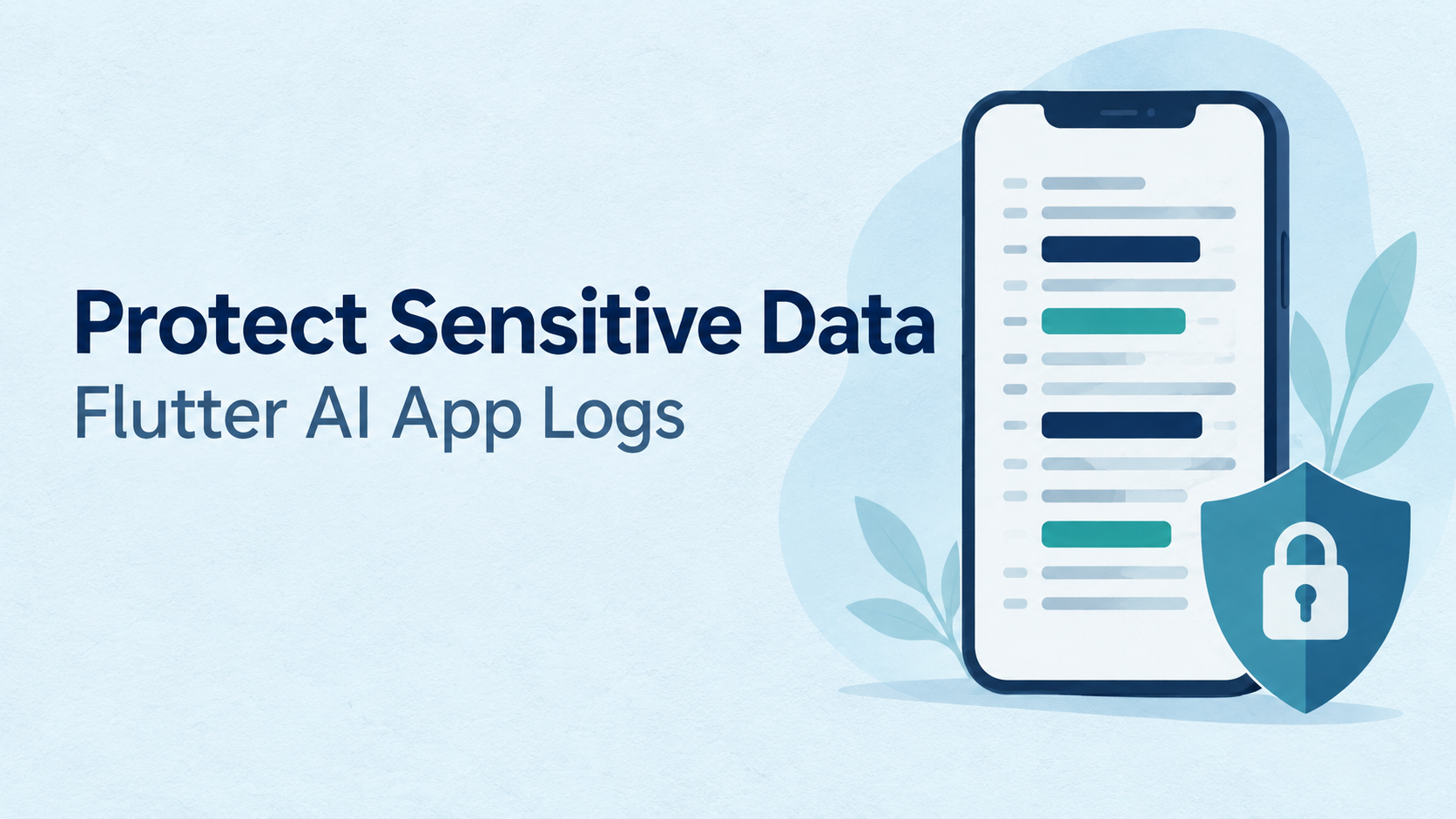
A Flutter AI application can protect its database and still expose customer information through logs. A failed request might record an authorization header. A crash report might include a conversation. An AI tracing tool might capture the document submitted for summarization.
These records help developers investigate problems, but they also create additional copies of sensitive information.
Protecting Flutter AI app logs requires a deliberate logging policy across the mobile application, backend, AI services, and monitoring tools. The objective is to preserve useful diagnostic evidence while keeping private content out of routine telemetry.
Why AI Features Increase Logging Risk
AI interactions often combine several information sources in one request: user instructions, conversation history, retrieved documents, and tool responses. Logging that request can expose much more than the text visible in a chat box.
Generated responses also deserve scrutiny. A model may repeat private information from its context, so filtering only incoming prompts leaves an important gap.
OWASP identifies the insertion of sensitive data into mobile logs as a security weakness and recommends treating user and system secrets as unloggable by default.
Start by mapping every destination that receives diagnostic data:
- Device and development console output.
- HTTP client interceptors and backend request logs.
- Crash reporting and analytics breadcrumbs.
- AI tracing platforms and model-provider diagnostics.
- Support exports, screenshots, and session recordings.
A privacy control applied to one destination does not automatically protect the others.
Do Flutter Debug Logs Disappear in Release Builds?
No. Flutter explicitly documents that debugPrint() can write to the console in release mode. Its name does not mean that production builds automatically remove it.
This makes statements such as the following risky:
debugPrint('AI request: $requestBody');
debugPrint('Response: ${response.data}');
A kDebugMode check can restrict development diagnostics, but sensitive data should still be excluded. Debug builds may run against real accounts, and development logs may be copied into tickets or shared with colleagues.
Production applications should retain approved operational events, such as timeout categories and request durations. Disabling every log makes incident investigation harder without fixing unsafe logging elsewhere.
What Should Flutter AI Applications Log?
Prefer a small, explicit event schema over serializing entire request objects.
| Information | Recommended treatment |
|---|---|
| Prompts, responses, and retrieved documents | Exclude from routine logs |
| API keys, passwords, cookies, and access tokens | Never record |
| Email addresses and account details | Exclude unless a documented need justifies controlled processing |
| Request duration and token counts | Record when needed for operations |
| Error categories and HTTP status codes | Record without raw payloads |
| Correlation identifiers | Use opaque identifiers with restricted lookup access |
| URLs | Prefer route templates; remove sensitive path and query values |
OWASP’s logging guidance recommends excluding credentials and sensitive personal information, protecting log access, and sanitizing event data against log injection.
An opaque identifier is not automatically anonymous. If another system can connect it to a person, treat that relationship as sensitive.
How Can Developers Build Safer Structured Logging?
An allowlist is easier to review than a rule that accepts arbitrary objects and attempts to remove every possible secret.
The following illustrative Dart function accepts only operational fields:
import 'dart:convert';
import 'dart:developer' as developer;

enum AiOutcome { success, timeout, rejected, failed }

void logAiOperation({
  required AiOutcome outcome,
  required Duration elapsed,
  int? inputTokens,
  int? outputTokens,
}) {
  developer.log(
    jsonEncode({
      'event': 'ai_operation_completed',
      'outcome': outcome.name,
      'duration_ms': elapsed.inMilliseconds,
      if (inputTokens != null) 'input_tokens': inputTokens,
      if (outputTokens != null) 'output_tokens': outputTokens,
    }),
    name: 'app.ai',
  );
}
This design intentionally provides no parameter for prompts, response bodies, or exception text. It illustrates event construction, not a complete logging platform.
Apply the same schema at the backend. Otherwise, a carefully designed Flutter logger may coexist with a server interceptor that records every request body.
Map exceptions to approved error categories. An exception’s toString() output can contain URLs, payload fragments, or upstream response messages.
Why Is Redaction Alone Insufficient?
Redaction is useful as an additional safeguard, but it should not justify collecting unnecessary content.
A regular expression that removes email addresses will not reliably identify confidential contract terms, medical descriptions, or proprietary source code. Structured payloads can also contain secrets inside nested objects, arrays, and encoded values.
A research paper on diagnosis-data redaction describes the trade-off: filtering can remove useful debugging information or miss sensitive content. That supports combining preventive logging design with redaction rather than relying on pattern matching alone.
Sanitize before data reaches the logging destination. Collector-side filtering cannot undo exposure in a local file or an earlier telemetry system.
Screenshots and session recordings need separate controls. Text redaction does not remove information visible in an image.
How Should Crash Reporting Tools Be Configured?
Crash reporting deserves its own review because it can collect information outside the application’s main logger.
Firebase documents custom logs, custom keys, user identifiers, and analytics breadcrumbs in its Flutter Crashlytics integration. Developers should assess what they place in each channel. A custom key named last_prompt, for example, would undermine an otherwise restrictive logging policy.
Sentry’s Flutter documentation describes SDK-side filtering and scrubbing, alongside server-side controls. Its guidance recommends scrubbing before transmission where sensitive information should not leave the local environment.
Review exceptions, breadcrumbs, request metadata, attachments, and performance traces individually. Do not assume one filtering callback covers every telemetry feature. Verify behavior against the SDK version actually installed.
What Do Engineering Companies Publicly Document?
GeekyAnts, Thoughtworks, and Nomtek publish relevant data-protection practices, although the evidence differs in scope
GeekyAnts describes sanitizing diagnostic artifacts before AI analysis in its article on an AI-assisted Playwright failure-analysis pipeline. That discussion explicitly identifies access tokens, cookies, user information, and API payloads as sensitive. It documents a related AI engineering pattern, rather than proving the configuration of every Flutter application it delivers.
Thoughtworks advocates identifying and classifying sensitive data early so teams can apply appropriate governance. A Practical Data Privacy excerpt hosted on its website also warns against recording sensitive information during processing. These sources support privacy-conscious engineering guidance, not a claim about a specific Flutter logging deployment.
Nomtek emphasizes protecting sensitive information through encryption and governance in its AI healthcare development offering. These principles are relevant to Flutter AI applications, where logging policies should prevent private data from entering diagnostic systems. Its public material supports this broader security approach, but does not establish a specific Flutter log-redaction implementation.
These documented approaches give teams useful evaluation criteria. An implementation partner should also demonstrate the controls in the actual application.
How Should Teams Verify Protection Before Release?
Use synthetic sensitive values to test the entire telemetry path. Submit fictional personal details, dummy credentials, and recognizable document markers, then trigger timeouts, authentication failures, crashes, and interrupted AI responses.
Inspect device output, queued reports, backend logs, and monitoring exports. Test release builds as well as development builds.
Add automated checks for direct logging calls and tests that confirm prohibited fields never reach logging adapters. Repeat verification after SDK upgrades or changes to network interceptors.
Finally, restrict log access, define retention periods, and audit exports. Encryption helps protect storage and transport, but authorized users can still read unnecessarily collected information.
A well-designed Flutter AI logging system should explain which operation failed, when it failed, and how engineers can investigate. It should accomplish that without routinely retaining the private conversation or document behind the operation.