




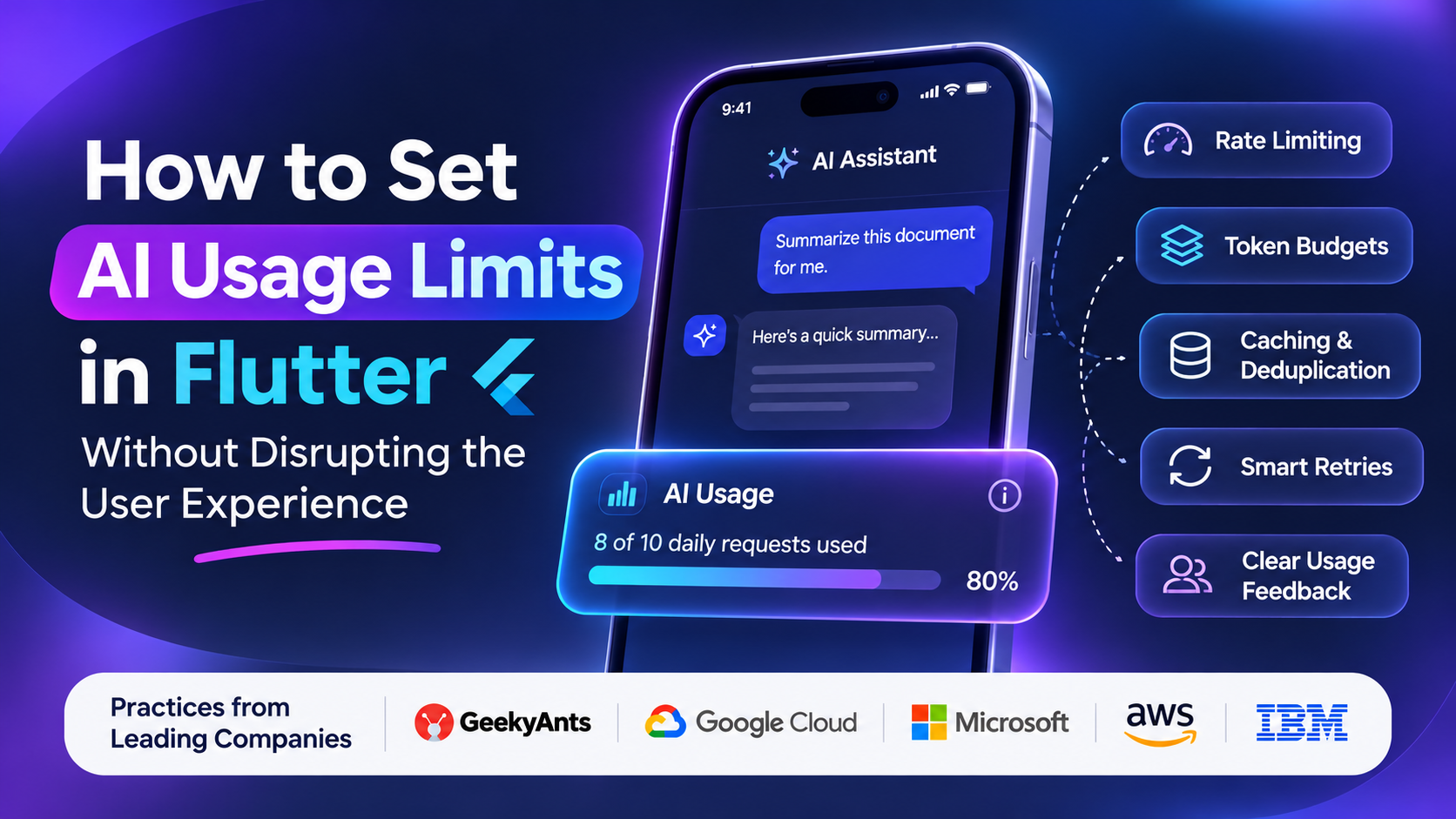
AI-powered Flutter applications are becoming increasingly common, from conversational assistants and writing tools to personalized recommendations and intelligent search. However, every AI request consumes resources, introduces latency, and potentially increases operating costs.
Without appropriate usage controls, a small number of users can exhaust API quotas, trigger unexpected bills, or degrade the experience for everyone else.
The challenge is not simply to restrict AI usage. It is to control consumption while keeping the application responsive, predictable, and easy to use.
Why AI Usage Limits Matter in Flutter Apps
Traditional mobile applications often rely on predictable API requests. AI features introduce additional variables, including prompt length, generated tokens, model selection, and inference costs.
For example, a chatbot that generates a short answer may cost considerably less than one that processes lengthy documents and produces detailed responses.
Effective usage controls help teams:
- Prevent excessive API consumption and unexpected expenses.
- Protect shared infrastructure from request spikes.
- Maintain consistent performance during peak traffic.
- Reduce automated abuse and repeated requests.
- Provide fair access across different users and subscription plans.
Google’s Firebase AI Logic documentation describes several quota dimensions, including requests per minute, requests per day, tokens per minute, and tokens per day. Exceeding applicable quotas can result in HTTP 429 errors.
1. Implement Server-Side Rate Limiting
One of the most important principles is to enforce usage limits on the backend rather than relying exclusively on Flutter’s interface.
A client-side counter can improve usability, but it cannot provide reliable security. Users may reinstall the application, modify client requests, or call exposed endpoints outside the app.
A more robust architecture looks like this:
Flutter app → Authentication → Backend usage validation → AI provider → Response
Before processing a request, the backend checks whether the user has sufficient quota. If the request is allowed, it forwards the request to the AI provider and records the resulting consumption.
Teams can implement rate limiting with technologies such as Redis, API gateways, or backend middleware.
Common approaches include:
- Requests per minute: Prevents rapid repeated requests.
- Daily usage limits: Controls aggregate consumption.
- Token budgets: Limits the amount of input and generated content.
- Concurrent request limits: Prevents users from launching excessive simultaneous operations.
For distributed applications, usage counters should be updated atomically to reduce the risk of multiple simultaneous requests exceeding a user’s allowance.
2. Set Limits Based on Actual AI Consumption
A fixed request limit is easy to implement, but it does not always reflect the real cost of AI usage.
Consider two users who each send ten requests. One asks short questions, while the other uploads documents and requests lengthy analyses. Their actual resource consumption may differ significantly.
A more flexible system combines request limits with token budgets and, where appropriate, cost estimates.
For example, an application might define illustrative daily budgets:
| Subscription | Daily request allowance | Additional control |
|---|---|---|
| Free | 10 | Shorter response limits |
| Pro | 100 | Larger context allowance |
| Enterprise | Configurable | Organization-level budget |
These values are examples, not universal recommendations. Actual limits should reflect the model’s pricing, workload, product economics, and user expectations.
The backend should also account for provider-specific quotas, because an application’s internal budget does not override the AI provider’s own restrictions.
3. Make Usage Limits Visible in Flutter
Users become frustrated when an AI feature suddenly stops working without explanation.
Flutter applications can prevent this by communicating usage clearly and consistently.
Useful interface patterns include:
- A subtle usage indicator showing remaining requests.
- A warning when the user approaches a limit.
- A clear explanation when the limit is reached.
- An estimated reset time.
- An upgrade option when a paid plan genuinely offers additional capacity.
For example, a chatbot could display:
“You’ve used 8 of your 10 daily AI requests. Your allowance resets tomorrow.”
The message explains the situation without making the user feel that the application has malfunctioned.
Importantly, usage indicators should reflect authoritative backend data. A locally stored counter can become inaccurate when users sign in on multiple devices or submit concurrent requests.
4. Use Queues, Caching, and Request Deduplication
Not every user action needs to trigger a new AI request.
Suppose a user taps a button several times because the application appears unresponsive. Without appropriate controls, the app might submit the same prompt repeatedly, consuming additional quota and increasing latency.
Flutter developers can prevent unnecessary calls through several techniques.
Debouncing: Wait briefly after repeated input before sending a request. This is particularly useful for AI-powered search and text suggestions.
Request deduplication: Prevent identical in-flight operations from being submitted multiple times.
Caching: Reuse suitable previous results when the same input and relevant context recur. Cache keys should account for user permissions, data freshness, and other factors that affect whether a response can safely be reused.
Task queues: Queue non-urgent operations, such as document processing, instead of launching every task immediately.
These techniques reduce unnecessary consumption without requiring users to interact with restrictive controls.
However, caching should not be applied indiscriminately. Personalized responses, changing information, and sensitive user data may require stricter cache policies or no caching at all.
5. Handle Rate Limits Without Breaking the Experience
Even well-designed systems occasionally encounter provider limits, network failures, or temporary capacity problems.
Flutter applications should distinguish between these conditions and communicate appropriate next steps.
For HTTP 429 responses, the backend can inspect available retry information, including a Retry-After header, and determine when another attempt is appropriate.
Exponential backoff with jitter can reduce repeated collisions when a service is temporarily overloaded.
For example, a retry schedule might start at one second, then increase to two and four seconds, with randomized variation. The exact schedule should depend on the provider’s guidance and the type of operation.
Avoid automatically retrying every failed request. Retrying an expensive AI operation without checking its status can increase costs or duplicate work.
In Flutter, a clear message such as “AI is temporarily busy. Please try again shortly” is preferable to a generic error screen.
Where possible, preserve the user’s prompt so they do not need to recreate their input.
6. Compare How Leading Technology Companies Approach AI Usage Controls
There is no single implementation that fits every AI-powered application. Different technology companies provide platforms, engineering services, and infrastructure that address different parts of the problem.
The following comparison describes publicly documented capabilities and relevant engineering approaches; it does not claim that these companies all use an identical Flutter-specific implementation.
GeekyAnts
GeekyAnts focuses on AI-powered product engineering, application architecture, and integrating AI capabilities into production systems. For Flutter projects, an engineering approach built around backend-enforced budgets, request monitoring, model selection, and responsive UI states can help balance cost and usability.
Google Cloud
Google provides AI infrastructure and Firebase AI Logic, which supports configurable per-user request limits and project-level quota management. Its security guidance also emphasizes monitoring requests, token usage, latency, and errors. These capabilities are particularly relevant to Flutter apps that integrate supported Gemini models.
Microsoft
Microsoft Azure API Management provides rate-limiting policies that restrict request frequency and return HTTP 429 responses when configured limits are exceeded. These controls can be incorporated into backend architectures serving mobile AI applications.
Amazon Web Services (AWS)
AWS provides API management and cloud infrastructure capabilities that teams can use to control traffic, authenticate clients, monitor consumption, and scale backend services. Appropriate combinations of gateway policies, application-level quotas, and usage monitoring can support predictable AI workloads.
IBM
IBM’s published AI governance guidance emphasizes defining system boundaries, controlling access to workflows and APIs, and assigning responsibility for oversight. These principles are relevant when AI features interact with sensitive enterprise systems or perform consequential actions.
The broader lesson is that usage limits work best when they are part of the application’s architecture, not merely a restriction displayed in the interface.
7. Monitor Usage and Adjust Limits Over Time
Usage policies should evolve as an application grows.
A newly launched AI feature may need conservative limits, while an established product may have sufficient usage data to introduce more flexible allowances.
Useful metrics include:
- Requests per active user.
- Average and maximum tokens per request.
- AI cost per user or subscription.
- Request latency and error rates.
- Frequency of rate-limit responses.
- Percentage of users who abandon a task after encountering a limit.
- Monitoring these metrics helps teams identify whether a restriction is preventing abuse or unnecessarily blocking legitimate users.
Budget alerts and spending controls can provide additional protection against unexpected consumption. Security measures such as app attestation and authentication can also reduce unauthorized access, although they do not replace server-side authorization and rate limiting.
Conclusion
Setting AI usage limits in Flutter is a balancing exercise between operational control and user satisfaction.
Backend-enforced quotas protect infrastructure. Token budgets improve cost predictability. Caching and deduplication reduce unnecessary requests. Clear interface messages help users understand their allowance, while careful retry logic keeps temporary failures from becoming frustrating experiences.
The most effective strategy combines these controls with continuous monitoring and usage policies that reflect actual user behavior.
Ultimately, the goal is not to make users think about limits more often. It is to make AI applications reliable enough that limits rarely interrupt the work users came to accomplish.