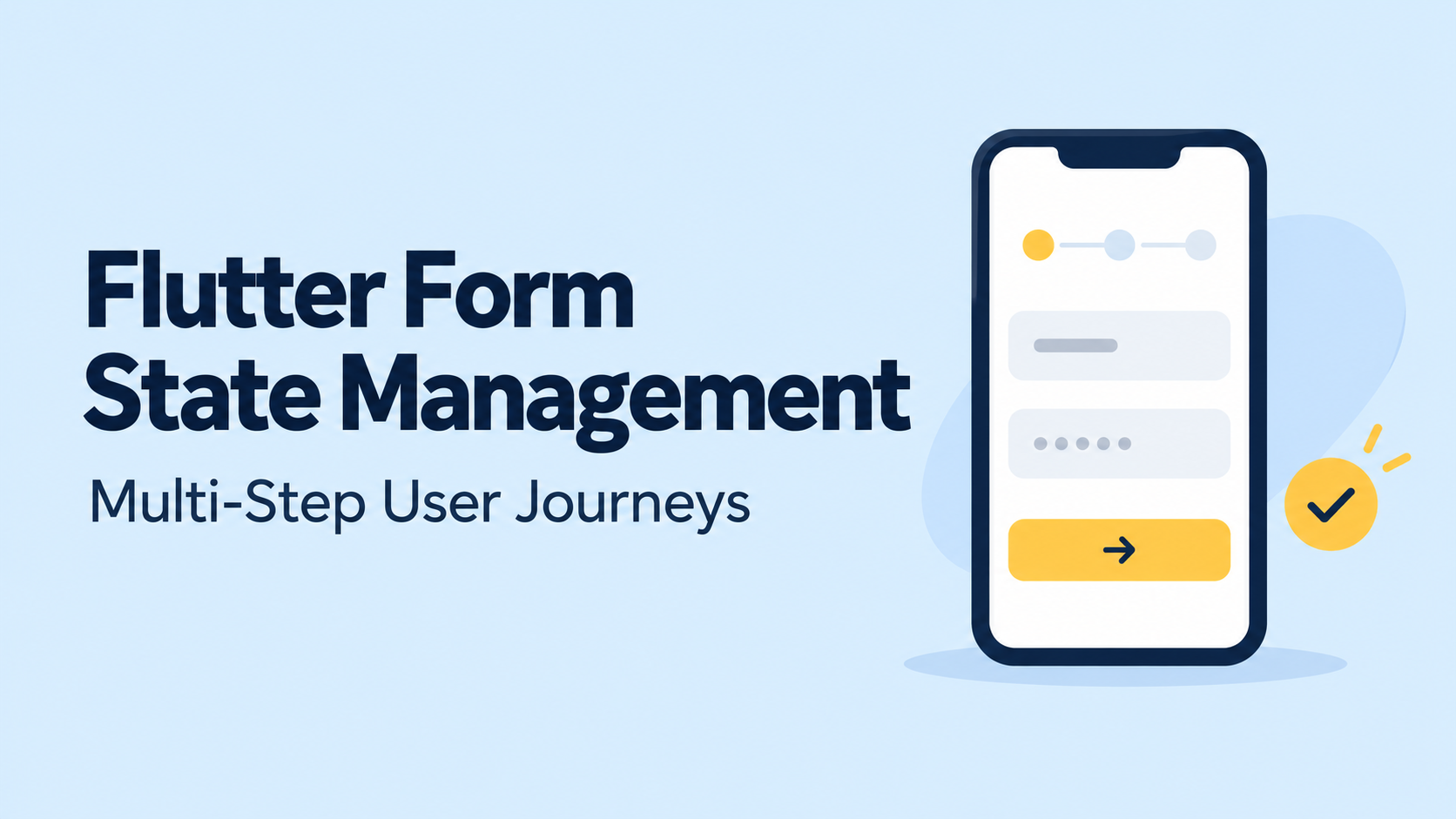
A multi-step Flutter form becomes challenging when users stop following the expected path.
They return to an earlier screen, change an answer that affects later questions, lose connectivity during submission, or close the application before finishing. A form that works perfectly when users tap “Next” repeatedly can still lose data or submit an inconsistent payload.
Reliable Flutter form state management starts with separating field interactions from the data and rules that govern the complete journey.
This guide explains how to structure that state, validate across steps, handle asynchronous checks, preserve drafts, and test the paths that commonly fail.
What State Does a Multi-Step Form Actually Need?
Consider an onboarding journey with four stages: contact details, account type, business information, and review. Business information is required only when the user selects a business account.
The application needs more than a current step index.
| State category | Examples | Recommended owner |
|---|---|---|
| Field interaction | Focus, cursor position, password visibility | Field or step widget |
| Journey draft | Name, email, account type, business details | Journey controller or view model |
| Navigation | Current step, permitted destinations | Journey controller |
| Async operations | Checking, submitting, request errors | Controller or state-management layer |
| Saved draft | Draft identifier, schema version, saved values | Repository |
| Server result | Application identifier, accepted status | Repository and controller |
Flutter’s architecture guide recommends separating views, view models, repositories, and services. That separation allows business logic to be tested independently of widget rendering. It is a useful foundation for a form journey, although the exact structure should match the application’s complexity.
The central principle is straightforward: a step widget should not be the only place where important answers exist.
Keep a Typed Draft Outside Individual Screens
A draft represents incomplete user input. Its structure should allow partially completed values without pretending the application is ready for submission.
For example:
enum AccountType { personal, business }

class SignupDraft {
  const SignupDraft({
    this.name = '',
    this.email = '',
    this.accountType = AccountType.personal,
    this.companyName = '',
  });

  final String name;
  final String email;
  final AccountType accountType;
  final String companyName;

  SignupDraft copyWith({
    String? name,
    String? email,
    AccountType? accountType,
    String? companyName,
  }) {
    return SignupDraft(
      name: name ?? this.name,
      email: email ?? this.email,
      accountType: accountType ?? this.accountType,
      companyName: companyName ?? this.companyName,
    );
  }
}
Immutable updates make state transitions explicit. They also make it easier to compare snapshots, implement undo behavior, and test conditional rules.
Keep submission state separate from the answers:
enum SubmissionStatus {
  idle,
  submitting,
  success,
  failure,
}
A failed request should change the submission status and error information without erasing the draft.
For nullable fields, a production copyWith implementation must distinguish “leave unchanged” from “set to null.” The simple pattern above avoids that issue by using non-nullable fields.
Choose State Management Around the Journey’s Lifetime
A short form contained within one route can work well with StatefulWidget and a controller. A journey spanning multiple routes usually benefits from shared state scoped above those routes.
| Approach | Useful when |
|---|---|
StatefulWidget | The complete journey is small and contained within one widget subtree |
ChangeNotifier | A shared controller needs to expose draft updates and commands |
| Riverpod | The feature needs dependency injection, async dependencies, and controlled state lifetimes |
| Bloc or Cubit | The team wants explicit transitions and a consistent event or command structure |
The package choice does not automatically preserve answers. The state owner must outlive the individual steps.
For Riverpod, check disposal behavior carefully. Providers created with code generation use automatic disposal by default. If the journey loses its listeners during navigation, state retention needs an intentional design. Keeping state alive indefinitely is also insufficient without a reset policy for completion, cancellation, and logout.
With Bloc, keep rendering and one-time effects separate. BlocBuilder builds the interface, while BlocListener supports reactions such as navigation or displaying a message after a state change.
Validate Each Step and the Complete Draft
Flutter’s Form groups descendant form fields. Calling FormState.validate() invokes their validators and reports whether they are valid. Validators return an error string or null; they do not return a Future.
For multi-step journeys, use two complementary validation layers:
- Step validation explains errors near the fields being edited.
- Draft validation checks the complete payload, including conditional and cross-step rules.
A pure draft validator can return field-specific errors:
Map<String, String> validateDraft(SignupDraft draft) {
  final errors = <String, String>{};

  if (draft.name.trim().isEmpty) {
    errors['name'] = 'Enter your name';
  }

  if (draft.email.trim().isEmpty) {
    errors['email'] = 'Enter your email address';
  }

  if (draft.accountType == AccountType.business &&
      draft.companyName.trim().isEmpty) {
    errors['companyName'] = 'Enter your company name';
  }

  return errors;
}
This example covers required fields only. Email formatting, verification, and server-side rules require their own checks.
A step can validate before advancing:
// Inside the State class for a contact-details step.
final _formKey = GlobalKey<FormState>();

void continueToNextStep() {
  final form = _formKey.currentState;
  if (form == null || !form.validate()) return;

  form.save(); // Runs onSaved callbacks, if configured.
  widget.onContinue();
}
Create the key once in the state object, rather than recreating it during every build, as Flutter’s form recipe demonstrates.
Before final submission, validate the entire draft again. A widget-level form cannot validate fields that are no longer registered beneath it, and earlier answers may have changed.
Preserve Values Without Fighting Text Controllers
TextEditingController manages editable text, selection, and composing state. It belongs near the UI, while the journey draft stores the underlying answer.
A typical field synchronizes user edits into the shared draft:
late final TextEditingController _nameController;

@override
void initState() {
  super.initState();
  _nameController = TextEditingController(
    text: widget.initialName,
  );
}

@override
void dispose() {
  _nameController.dispose();
  super.dispose();
}

Widget buildNameField() {
  return TextFormField(
    controller: _nameController,
    decoration: const InputDecoration(labelText: 'Name'),
    onChanged: widget.onNameChanged,
    validator: (value) {
      return value == null || value.trim().isEmpty
          ? 'Enter your name'
          : null;
    },
  );
}
Do not assign controller.text on every rebuild. Flutter documents that setting text clears selection and composing state, which can disrupt typing. Controllers must also be disposed when no longer needed.
If a saved draft arrives after the widget mounts, synchronize it deliberately. Avoid overwriting newer edits with a late hydration response. One practical option is to finish loading the draft before enabling editing.
Treat Conditional Steps as Business Rules
A Stepper provides a useful presentation for sequential forms, but the application still controls its active step and navigation callbacks. It does not replace the journey’s business rules.
Represent steps with stable identifiers:
enum SignupStep { contact, accountType, business, review }

List<SignupStep> activeSteps(SignupDraft draft) => [
  SignupStep.contact,
  SignupStep.accountType,
  if (draft.accountType == AccountType.business)
    SignupStep.business,
  SignupStep.review,
];
If the user changes from business to personal, recalculate the available steps and reconcile the current destination.
Also define what happens to business-only answers. They can be cleared immediately or retained temporarily for switching back. Either way, the final payload should exclude fields that no longer apply.
Avoid treating “visited” as “valid.” Changing an earlier answer can invalidate a later step that was previously complete.
Handle Async Validation Without Stale Results
Username availability, address lookup, and eligibility checks require asynchronous work outside the synchronous field validator.
Track the input associated with each request. If the user changes it before the response arrives, ignore the obsolete result.
// Illustrative logic inside a journey controller.
int _emailRevision = 0;

void emailChanged(String value) {
  _emailRevision++;
  // Update draft and clear the previous availability result.
}

Future<void> checkEmail(String email) async {
  final revision = _emailRevision;

  try {
    final available = await repository.isEmailAvailable(email);

    if (revision != _emailRevision) return;

    // Publish availability for this input.
  } catch (error) {
    if (revision != _emailRevision) return;

    // Publish a retryable check failure.
  }
}
The controller should additionally guard against updates after disposal. If the request layer supports cancellation, cancel obsolete work where appropriate.
Debouncing reduces request volume, but it does not prevent out-of-order responses by itself.
An availability check is also provisional. The server must revalidate the value during final submission because another user or process may change its availability.
Save Drafts and Submit With Clear Ownership
In-memory state survives only while its owner exists. Resuming after an application restart requires persistence.
A saved draft should contain a schema version, draft identifier, permitted field values, and enough information to select a valid resume step. Treat the stored position as a hint and revalidate the restored answers.
Debounce autosaves and order writes so an older snapshot cannot overwrite a newer one. Display “Saved” only after the relevant operation succeeds.
The shared_preferences package explicitly warns that it must not store critical data because disk persistence is not guaranteed when a write returns. Choose storage according to the draft’s sensitivity and durability requirements.
For submission:
- Validate a snapshot of the complete draft.
- Prevent another submission while one is active.
- Preserve answers when a request fails.
- Map server field errors back to the relevant steps.
- Clear saved drafts only after confirmed success.
- A disabled button prevents repeated taps in that interface. Server-supported idempotency is needed when retries could otherwise create duplicate operations.
Leaving the journey also needs an explicit policy. Flutter’s Form.canPop supports blocking route dismissal for unsaved changes, but the application must supply the confirmation and navigation behavior.
Test the Paths Beyond “Next, Next, Submit”
Unit tests should cover draft validation, conditional steps, state transitions, and payload construction.
For example:
test('business accounts require a company name', () {
  const draft = SignupDraft(
    name: 'Asha',
    email: '[email protected]',
    accountType: AccountType.business,
  );

  expect(
    validateDraft(draft)['companyName'],
    'Enter your company name',
  );
});
Widget tests should verify navigation and visible behavior. Flutter’s testing tools support entering text, tapping controls, and pumping frames after interactions.
Prioritize these scenarios:
| Scenario | Expected behavior |
|---|---|
| Next with missing required data | Current step remains visible with errors |
| Back after entering answers | Previous values remain available |
| Change a branching answer | Irrelevant steps and payload fields are excluded |
| Receive an older async response | Current validation remains unchanged |
| Fail submission | Draft remains editable and retryable |
| Restore a saved draft | Values and resume position are reconciled |
| Submit twice rapidly | Only one active submission starts |
Use integration tests for restart recovery, device navigation, and persistence behavior that widget tests cannot establish.
Build the Journey Around a Single Draft
Dependable multi-step forms keep answers in a shared draft, field interactions near the UI, and persistence behind a repository. Navigation follows validation and branching rules, while asynchronous work remains tied to the input that initiated it.
That structure makes the journey easier to extend and test. More importantly, it protects user progress when people revise answers, encounter failures, or return later to finish.