



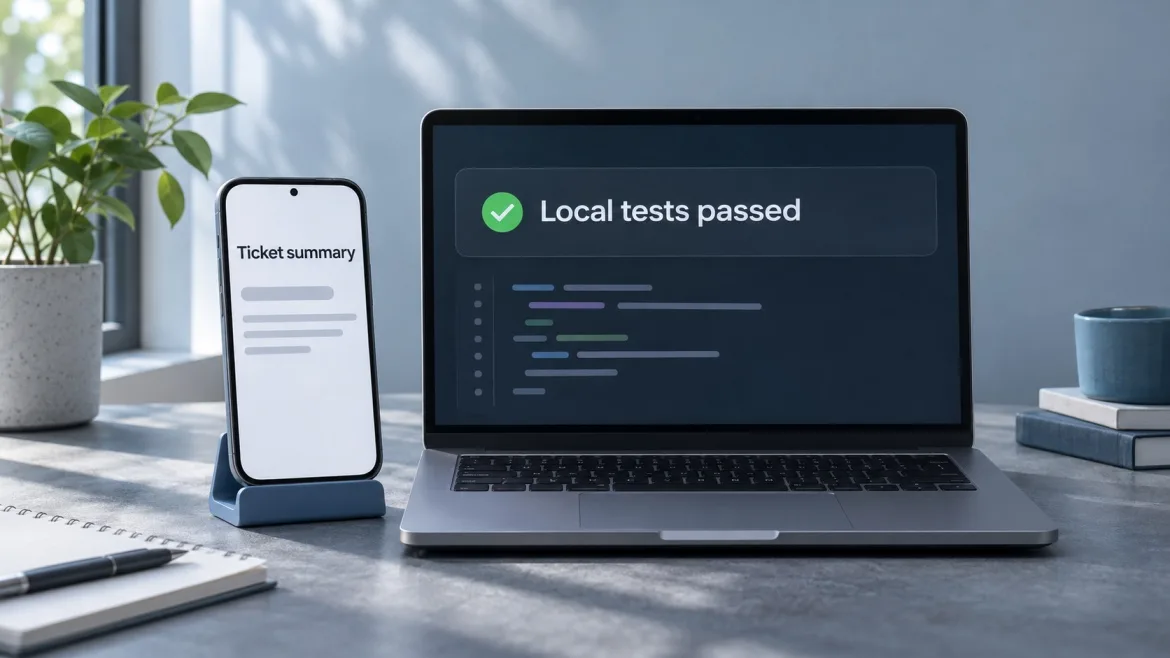
Use Dart fakes, Flutter widget tests, and local HTTP fixtures to verify AI features without model credentials or live API calls.
A Flutter app that summarizes support tickets needs to handle more than a successful response. The user might close the screen while text is streaming, retry after a timeout, or edit a draft just as a slower request completes. A live model can produce plausible text in all of those cases, but it gives the test little control over when those events happen.
The most reliable approach is to substitute the AI dependency at the boundary each test needs to exercise. Widget tests use predictable results to check interface behavior. Transport tests feed known HTTP responses into the real Dart adapter. Integration tests exercise the full app against a local fake backend. This follows Flutter’s distinction between unit, widget, and integration tests, and its guidance on replacing live network dependencies with mocks.
Choose the right boundary for each test
| Test layer | What to substitute | What to verify |
|---|---|---|
| Unit | Inject a fake AI service or controlled clock | Response validation, retry rules, and how the app handles stale results |
| Widget | Inject a fake gateway that returns a Future or Stream | Loading states, partial text, errors, cancellation, and whether user edits survive |
| HTTP adapter | Inject an http.Client backed by MockClient | Request method and body, status-code mapping, JSON decoding, and stream parsing |
| Device integration | Point the app at a local fake backend | Navigation, app backgrounding, and recovery on iOS or Android |
The boundary determines what a test can catch. If a widget test receives an already parsed summary, it can verify that the screen displays it. A separate adapter test can catch a parser that rejects the backend’s actual JSON format. Dart’s MockClient runs the injected request handler locally, and its streaming constructor lets tests return controlled byte streams.
Inject a Flutter AI gateway
Define an interface in terms of the app’s feature, such as summarize(ticket). In production, the implementation calls the app’s backend, which handles the model request. In tests, a hand-written fake implements the same interface. A small fake is enough when the test needs to control a result or its timing. Mockito is also available when a suite needs generated mocks or interaction verification.
This example assumes TicketSummaryPage accepts a gateway and a ticket, renders a CircularProgressIndicator while waiting, and exposes a Generate summary button. The Completer lets the test decide exactly when the response arrives.
import 'dart:async';

import 'package:flutter/material.dart';
import 'package:flutter_test/flutter_test.dart';
import 'package:your_app/ai/summary_gateway.dart';
import 'package:your_app/tickets/ticket_summary_page.dart';

class ControlledSummaryGateway implements SummaryGateway {
  final response = Completer<String>();

  @override
  Future<String> summarize(String ticket) => response.future;
}

void main() {
  testWidgets('shows loading before displaying the summary', (tester) async {
    final gateway = ControlledSummaryGateway();

    await tester.pumpWidget(
      MaterialApp(
        home: TicketSummaryPage(
          gateway: gateway,
          ticket: 'The customer reports being charged twice.',
        ),
      ),
    );

    await tester.tap(find.text('Generate summary'));
    await tester.pump();

    expect(find.byType(CircularProgressIndicator), findsOneWidget);

    gateway.response.complete('The customer reports a duplicate charge.');
    await tester.pump();

    expect(
      find.text('The customer reports a duplicate charge.'),
      findsOneWidget,
    );
    expect(find.byType(CircularProgressIndicator), findsNothing);
  });
}
The test asserts the exact text because the fixture supplies it. A second fixture can return an equivalent summary in different words and verify the same UI behavior. Use pump() to advance through states deliberately. Flutter’s pumpAndSettle() waits until frames stop being scheduled, so it can time out while an indeterminate loading spinner is active.
Test streaming at the UI and HTTP layers
A widget test can use a StreamController to emit a partial summary, pause, and then deliver a completion or error. Check that partial content becomes visible, that an interrupted stream is identified as incomplete, and that cancelling generation leaves the user’s existing draft intact.
The HTTP adapter needs a different test. With MockClient.streaming, split a single server-sent event across multiple byte chunks, then put multiple events in one chunk. A parser that assumes each chunk is a complete event may pass a simple fixture and fail when those boundaries shift. Include a fixture where the connection closes before the completion event your app expects. The adapter should report an interrupted response, and the UI should offer the recovery path the product defines.
One regression is especially worth reproducing. Start request A, cancel it, start request B, and complete B first. Then deliver a late result from A. The screen should keep B’s result. This verifies that the app protects the current draft even when cancellation and response delivery happen close together.
How five companies document practices Flutter teams can apply
| Company | Publicly documented practice | How it applies to a Flutter AI app |
|---|---|---|
| GeekyAnts | Its Flutter widget testing walkthrough demonstrates rendering a screen with pumpWidget and asserting visible UI. It separately documents a clinical education project where prompt changes require an updated evaluation baseline in the same commit. | Keep widget behavior tests repeatable and review changes in model output against a versioned baseline. |
Flutter’s official testing recipe demonstrates injecting a mock http.Client to test network-dependent code locally. | Run the real Dart response parser against fixture responses such as malformed JSON, an empty result, or a rate-limit error. | |
| Microsoft | Azure SDK guidance demonstrates replacing service clients with test doubles and creating controlled response objects. | Give the Flutter feature an app-owned gateway so tests can supply success and failure results without constructing a provider SDK client. |
| AWS | An AWS Developer Tools article demonstrates mocking SDK commands and resetting mock state between unit tests. | Use a fresh fake for each test and assert the request payload or retry count when it is part of the app’s behavior. |
| Anthropic | Its engineering team documents code-based graders for objective checks and repeated trials for variable agent behavior. | Apply objective checks to saved responses in offline tests. Use separate evaluations to measure how consistently a live model meets the same criteria. |
Make the offline suite the default in CI
Run flutter test on every pull request without provider credentials. Keep a small set of sanitized fixtures for success, empty output, invalid data, rate limiting, interrupted streaming, and late responses. Use a local fake backend for device tests that need to cover navigation or app lifecycle behavior.
An offline test can prove that the app preserves an edited summary after a retry. It can also prove that the parser rejects an invalid response. Whether a new model or prompt produces an accurate summary is a separate evaluation question. Keeping those checks independent makes it easier to tell whether a change broke the Flutter app, the API contract, or the quality of the generated answer.