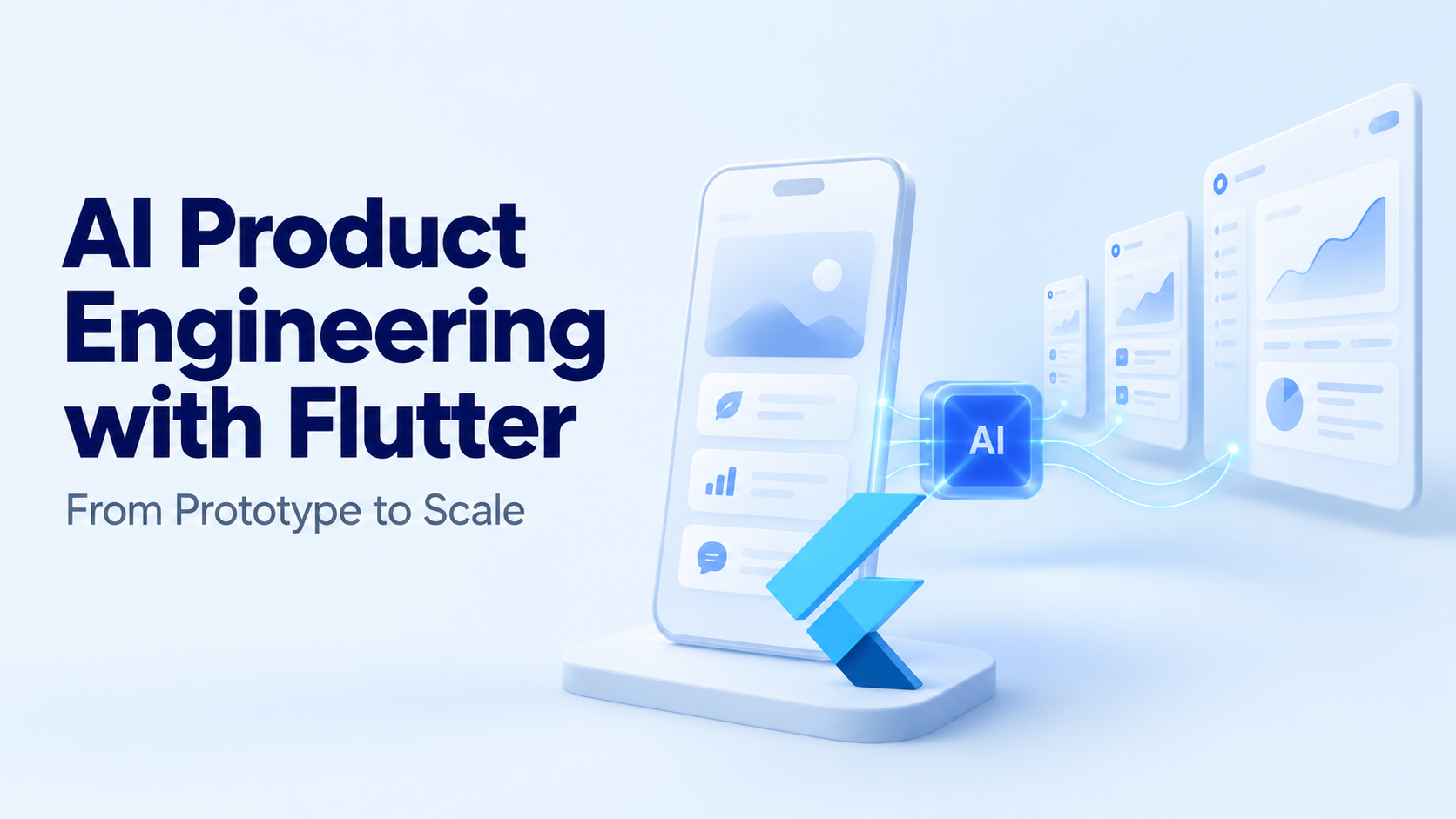
An AI prototype can summarize a document or answer a question within seconds. Turning that demonstration into a dependable product requires more: secure data access, clear interface states, predictable costs, and a way to evaluate whether the output is useful.
Flutter can support the application experience across mobile, web, and desktop. Its shared codebase helps teams reuse interface components and application logic, while platform-specific integrations handle capabilities such as cameras, microphones, and local storage.
The ecosystem already has substantial adoption. In December 2024, the Flutter team reported more than one million monthly active developers and over 50,000 published packages. These are dated ecosystem figures, not evidence that every package or AI integration is production-ready. Flutter’s production-era announcement
For teams exploring AI product engineering with Flutter, the challenge is connecting that development foundation to a feature that remains useful under real operating conditions.
What does AI product engineering with Flutter involve?
AI product engineering combines application development with model integration, data preparation, evaluation, and ongoing operations.
Flutter handles the experience through which users interact with the product. The intelligence may come from a cloud model, an on-device model, or a combination of both.
Typical applications include document assistants, conversational search, image analysis, support tools, and guided workflows.
The distinction matters because Flutter does not determine the accuracy of an AI response. A polished interface can still display an unsupported answer. Product quality depends on the full system: the model, its context, application rules, and the user’s ability to inspect or correct the result.
A useful product definition therefore includes both the task and its acceptance criteria. “Summarize uploaded documents” is a feature description. “Produce a source-linked summary that users can verify and edit” is a more actionable engineering requirement.
Why consider Flutter for an AI-powered product?
Flutter’s main attraction is the ability to develop related experiences across platforms while sharing significant portions of the codebase.
A document assistant, for example, might use a phone camera for capture, a tablet interface for review, and a desktop layout for editing. Shared components can help maintain consistent behavior across those experiences.
The productivity potential has real-world examples. Flutter’s December 2024 announcement reported that Superformula rebuilt the MGM Rewards app in four months, reduced its code volume by half, and improved delivery speed by a factor of four. These are reported outcomes from that project, not general estimates for Flutter development or AI features. Flutter’s production case studies
Cross-platform development still requires platform testing. Permissions, file handling, accessibility, background execution, and plugin support can behave differently across devices.
How should teams start an AI prototype?
The first prototype should test one useful workflow.
A support product might summarize a case and suggest a response. A document tool might extract a few fields into an editable form. A knowledge assistant might answer questions from a small, approved collection.
The prototype should help establish:
- Whether users understand the feature.
- Whether its output meets a defined quality threshold.
- How often users need to correct it.
- Whether response time is acceptable.
- Whether operating costs fit the intended business model.
An editable extraction form often provides more useful feedback than a general chatbot. It reveals exactly which fields the model gets wrong and how much correction work remains.
Starting with a narrow feature also makes failure easier to diagnose. The team can separate model limitations from retrieval problems, interface confusion, and unclear requirements.
What architecture supports growth beyond the prototype?
Flutter’s architecture guidance recommends separating UI and data responsibilities, including views, view models, repositories, and services. The appropriate structure should follow the application’s complexity. Flutter architecture recommendations
For an AI feature, a practical arrangement might be:
| Component | Responsibility |
|---|---|
| Flutter views | Display inputs, results, sources, and controls |
| View model or state layer | Manage loading, streaming, cancellation, and errors |
| Repository | Present a consistent application-facing data interface |
| AI service or backend | Coordinate model requests and response handling |
| Retrieval service, if needed | Supply relevant, authorized information |
| Business backend | Enforce permissions and execute approved operations |
Keeping provider-specific behavior outside widgets makes changes easier to manage.
For example, replacing a model integration should not require rewriting every screen that displays its output. A stable application-facing interface can reduce that coupling.
Should Flutter call an AI service directly?
The answer depends on the integration.
Firebase AI Logic provides client SDKs, including Dart and Flutter support, for accessing supported Google model capabilities through its managed service. This offers a supported client integration route. Firebase AI Logic overview
A custom backend is useful when the product needs centralized business rules, multiple model providers, private retrieval, detailed quotas, or privileged operations.
Standard server-side provider secrets should not be embedded in the Flutter application. Mobile and web clients cannot safely conceal those credentials.
Managed client access also needs protection. Firebase’s production guidance recommends App Check enforcement, appropriate authentication controls, rate limits, and monitoring. App attestation and user authorization address different concerns; both may be necessary. Firebase AI Logic production checklist
The integration should follow the product’s access requirements rather than whichever approach produces the shortest demo.
How should the interface handle uncertain or incomplete output?
AI responses need more states than “loading” and “done.”
The product may be waiting for a model, receiving partial output, requesting clarification, encountering an error, or waiting for user approval.
A well-designed Flutter interface should make these distinctions visible. If generation stops halfway through, the partial answer should remain clearly marked as incomplete.
For document analysis, extracted information can appear in editable fields. For knowledge search, supporting passages can appear alongside the answer. For actions, a confirmation screen can show the exact proposed change.
These patterns give users a practical way to assess the result.
A model-generated confidence score should not be presented as a calibrated probability unless the team has validated it. Evidence and clear limitations are generally more useful than an unexplained percentage.
How can Flutter performance remain smooth?
AI latency and interface performance are separate problems.
A model may take several seconds to respond while the application remains responsive. Conversely, a fast model can still feel slow if the UI repeatedly rebuilds an expensive widget tree.
At 60 frames per second, each frame interval is approximately 16.7 milliseconds. Flutter’s performance guidance discusses frame budgets and the importance of profiling rendering work. Flutter performance best practices
Streaming output can create frequent updates. Teams should isolate changing content, avoid unnecessary rebuilds, and profile long conversations or document views on representative hardware.
Large parsing or transformation tasks should also be examined for their impact on the UI isolate. Where supported and appropriate, CPU-intensive work can move away from it.
Performance should be measured in profile mode on devices that resemble those used by the target audience.
What changes when the product reaches production?
Production introduces concurrent users, interrupted connections, inconsistent inputs, and more expensive failures.
Model output should undergo runtime validation before the application uses it as structured data. Valid JSON does not establish that the contents are correct, authorized, or suitable for a business action.
An extracted amount, for example, may have the correct numeric type while referring to the wrong line in a document. Validation needs both structural checks and task-specific evaluation.
The application should also retain safe failure paths. Users may need to edit an answer, retry a request, complete the task manually, or contact support.
Firebase recommends stable production model versions and remotely managed configuration so teams can change supported settings without waiting for an app release. Configuration changes should still undergo evaluation before broad rollout. Firebase production guidance
How should teams measure quality and cost at scale?
Useful metrics connect system performance to the user’s task.
| Metric | What it reveals |
|---|---|
| Task completion rate | Whether the feature achieves its purpose |
| Correction rate | How much work users must repair |
| Response latency | How long users wait |
| Failure rate | How often requests do not complete |
| Cost per successful task | Whether the feature is economically sustainable |
A hypothetical product spending $300 to complete 2,000 tasks successfully has an operating cost of $0.15 per successful task. That calculation becomes more informative when it includes retries, infrastructure, and review effort.
Testing should combine conventional application tests with AI evaluations. The evaluation set should include common requests, missing information, conflicting context, and malicious instructions.
The same cases should be checked when prompts, models, retrieval, or tools change.
What is the practical route from prototype to scale?
The progression is evidence-driven: validate a narrow workflow, establish architecture and access controls, test quality on representative cases, and expand usage while observing failures and costs.
Flutter provides a reusable application foundation. The engineering work around it determines whether an AI feature earns continued use.
A scalable product helps users complete their task, understand the result, and recover when the system gets something wrong.